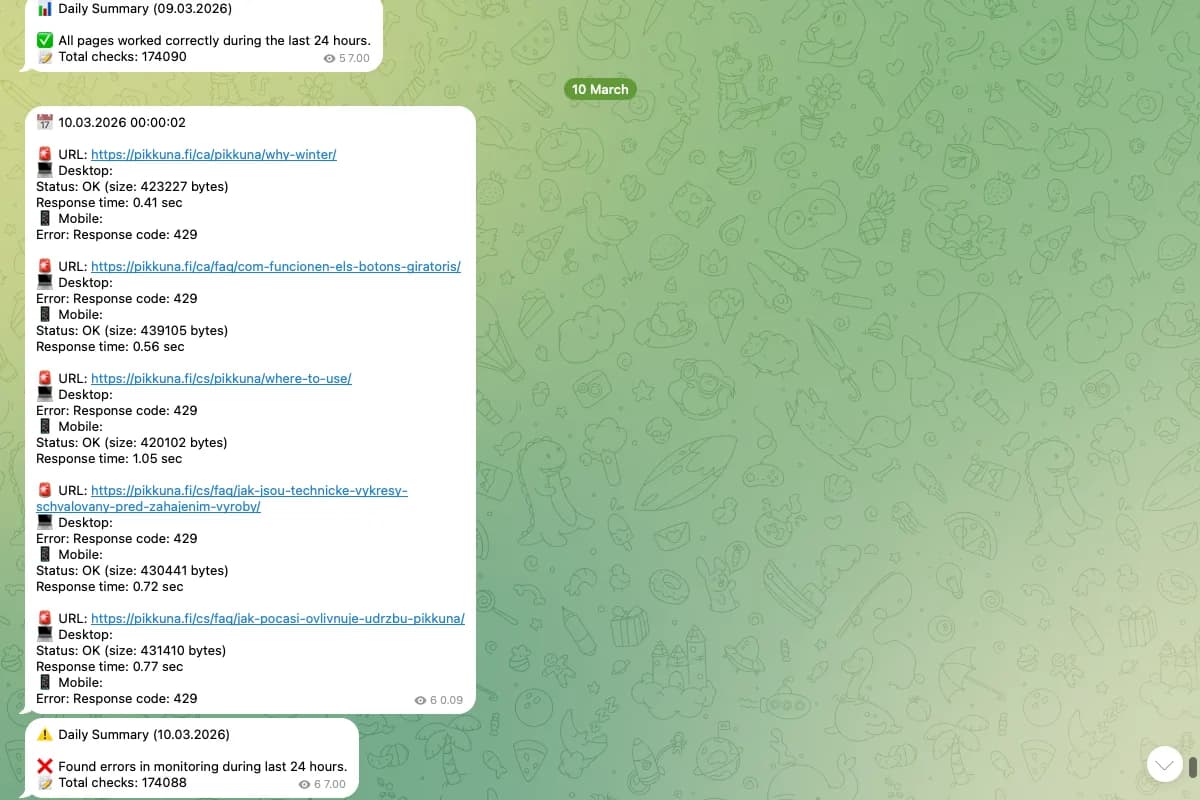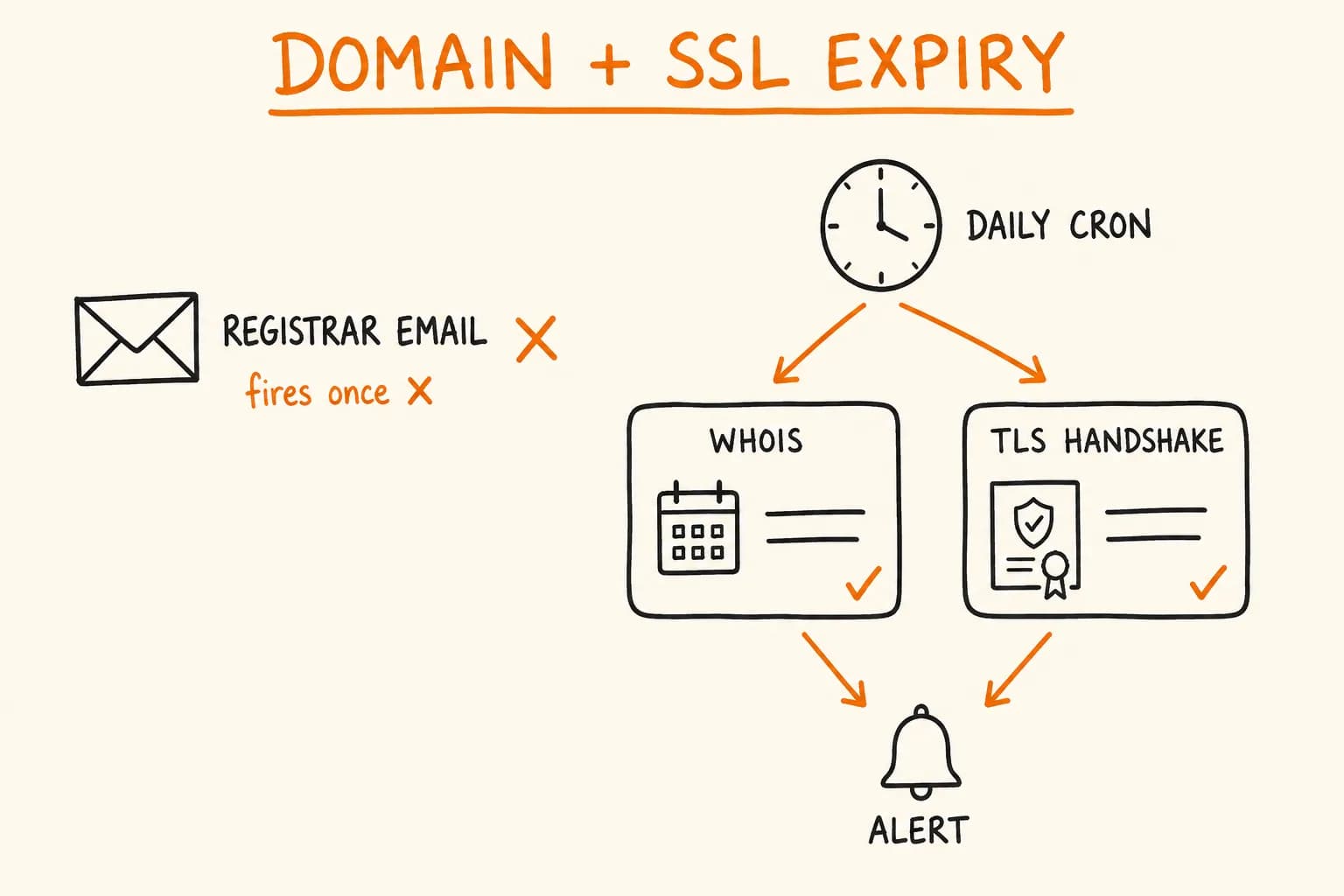
A site going down because its TLS certificate expired is an embarrassing kind of outage: nothing actually broke. The code didn’t change, the server didn’t crash, traffic didn’t spike. A date on a certificate passed, and every browser hitting the site now shows a security warning instead of a homepage. Domain expiry is the same failure one layer up. The registration lapses and there’s no page at all, because the domain points nowhere or, worse, sits in a grace period where someone else can snap it up.
Both are avoidable months in advance. Both are, in practice, still one of the more common ways a working site goes dark, because the thing that’s supposed to prevent them – an email from the registrar or the certificate authority – has a habit of not doing its job.
Why the Renewal Email Isn’t Enough
The registrar-email safety net has three specific holes, not one vague ‘email might get missed’ problem:
- It only covers what it knows about. A registrar emails about domains registered through it. If a client migrated a domain to a different registrar two years ago and the old account still has a stale contact email on file, that renewal notice goes nowhere useful. A certificate issued for a subdomain by infrastructure you don’t directly administer – a CDN, a load balancer someone else configured – often has no renewal alert path back to you at all. Nothing was ever told to email you.
- The inbox it lands in isn’t reliably watched. Registrar and CA notices tend to go to whatever address was on file when the domain or the cert was first set up: a founder’s personal address after they’ve left, a shared alias nobody checks unless something’s already broken, sometimes a domain-specific address that’s itself expired.
- It’s a single notification, not a monitor. One email at 30 days out, filtered into a promotions tab or buried in the rest of the inbox, and nothing checks again. A monitor that polls on a schedule and keeps polling until someone acknowledges the problem is a different kind of safety net than an email that fires once and is done.
None of this is the registrar’s or the CA’s fault. They do exactly what they said they’d do. Their notification is one layer of defense, not the only one, and where a lapse costs a client relationship or a day of downtime, one layer isn’t enough.
What a Domain and SSL Certificate Check Actually Needs to Be
Domain expiry and certificate expiry are two different lookups with the same shape: a periodic poll, not a live health check. Neither needs to run more than once a day. Nothing about a registration or a certificate changes minute to minute, so a cron job is the right tool here, not an under-powered one.
Domain expiry is a WHOIS (or RDAP) lookup against the registry: read the expiration date, compare it to now, alert if the days remaining drop under a threshold. That’s the exact shape of check_domain() in Site Pulse, the open-source monitoring tool I built:
# website_monitor.py — sitepulse
def check_domain(domain: str) -> tuple[str, bool]:
    """Check domain registration expiry and nameservers"""
    w = whois.whois(domain)

    if isinstance(w.expiration_date, list):
        expiry_date = min(w.expiration_date)
    else:
        expiry_date = w.expiration_date

    days_until_expiry = (expiry_date - datetime.now()).days

    if days_until_expiry <= EXPIRY_WARNING_DAYS:
        messages.append(f"⚠️ Domain will expire in {days_until_expiry} days")
Two details only show up when you run this against real domains instead of reading the WHOIS spec.
First, w.expiration_date isn’t reliably a single value. Some registrars return a list of dates, so the code has to check for that and take the earliest one, or it throws on exactly the domains where you most need it to work.
Second, the threshold is a config value, not a magic number baked into the comparison. Site Pulse defaults EXPIRY_WARNING_DAYS to 90, which leaves enough runway to actually action a renewal, rather than a 7-day warning that lands the same week as three other fires.
The same function in Site Pulse also checks the domain’s nameservers against an expected list, which catches a related failure: a DNS change nobody meant to make, silently pointing the domain somewhere it shouldn’t be.
Certificate expiry is the same pattern one layer down the stack: open a TLS connection to the host, read the certificate’s notAfter field, compare it to now, alert under the same kind of day threshold. I don’t have a shipped SSL-checking tool to show code from the way I do for the WHOIS side – Site Pulse checks domain registration and page health, not certificates – so I won’t paste a snippet and imply it’s been running in production, because it hasn’t. The shape of the check isn’t in question, though: same ‘connect, read one date field, compare, alert’ logic as the WHOIS check, talking TLS instead of WHOIS. It belongs in the same cron job, on the same schedule, feeding the same alert channel.
Self-Host It, or Pay for the SaaS?
Neither ‘self-hosting is always cheaper’ nor ‘paid monitoring is always safer’ holds. Each side wins in a specific, identifiable situation.
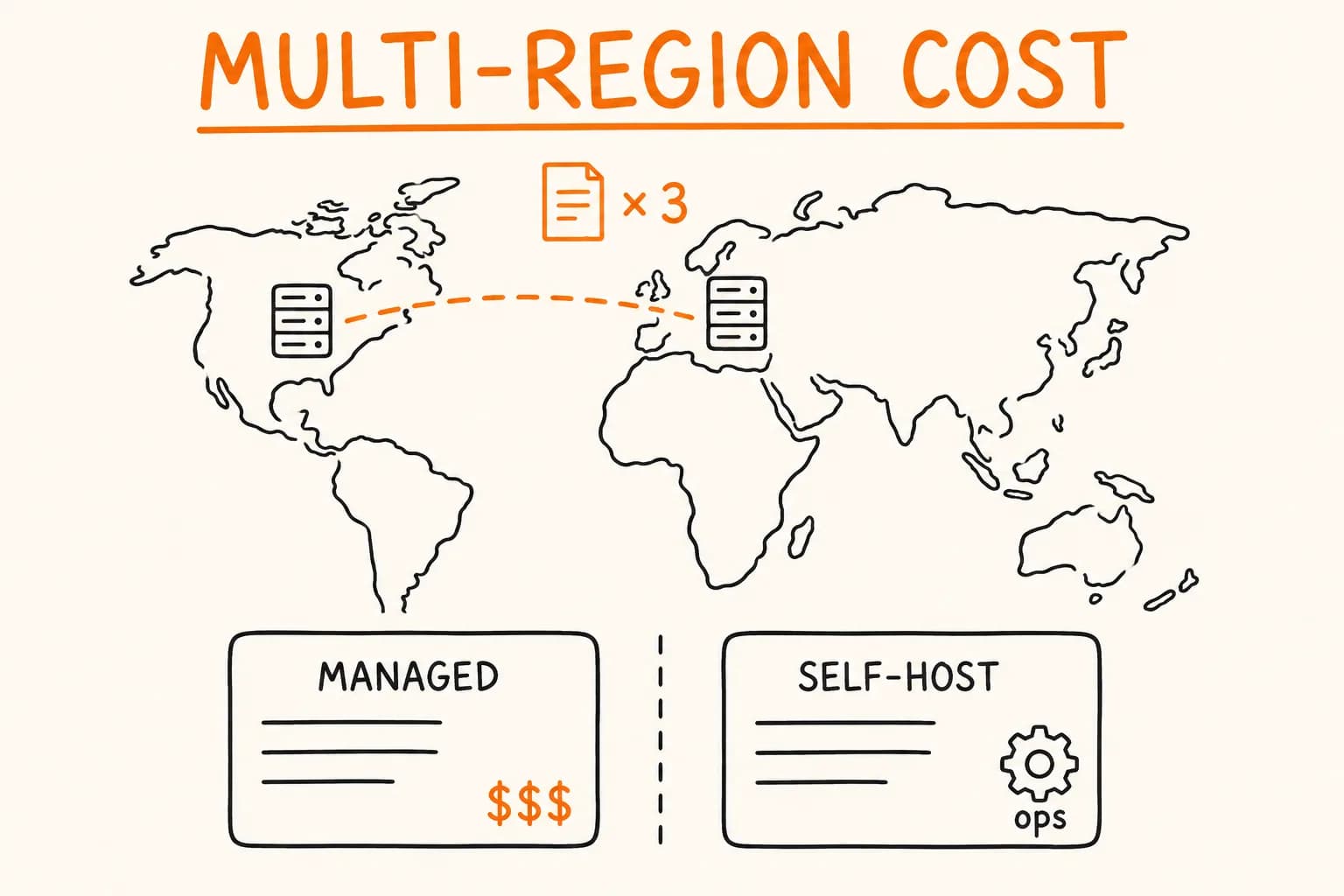
Self-hosting wins when you already have somewhere to run a cron job. If a VPS or a scheduler is already running other maintenance tasks, adding a domain-and-cert check costs almost nothing: no per-domain subscription, no vendor account, no data about your infrastructure sitting on someone else’s dashboard. For a handful of domains you administer directly – your own sites, a few client domains where you already have WHOIS and DNS access – this is the right call almost every time. It’s the same reasoning behind self-hosting other small operational tools instead of paying SaaS pricing for what a cron job and a Telegram bot can do; see Self-Hosting a Node.js API on Caddy and Docker Compose for the same calculus applied to a different piece of infrastructure.
The paid SaaS wins when the cost of a missed alert is someone else’s business, not just your own. That’s the trade-off self-hosted monitoring doesn’t solve for free: who monitors the monitor. A self-hosted script can fail silently: an unhandled exception on a malformed WHOIS response, a cron job that stopped firing after a server reboot changed the crontab, a Telegram bot token that expired and nobody noticed, because the alert channel itself went quiet. A paid monitoring service has its own on-call rotation and SLA watching its own uptime, and that’s the layer a single self-hosted cron job doesn’t have behind it. If you’re running this for dozens of customer domains where a missed expiry costs a client relationship, not just an afternoon of your own downtime, that backstop is worth paying for. The subscription buys you someone else’s on-call engineer, not just the check itself.
The practical middle ground, if you do self-host: don’t let the monitor be a single point of failure itself. A dead man’s switch – a second, independent scheduled ping that alerts if the monitoring job hasn’t reported in within its expected window – closes most of the ‘who watches the watcher’ gap without the cost of a full SaaS subscription. It’s a small addition on top of the same cron infrastructure, and it turns ‘the script silently stopped running three weeks ago’ into its own alert instead of a domain quietly lapsing in the background.
A registrar email is a single point of failure with no second check behind it. A cron job that polls WHOIS and a TLS handshake on a schedule is cheap to build and, for a domain count you already administer, cheaper than a subscription – as long as something is also watching the job itself. If you’d rather this ran unattended than hear about an expired certificate from a customer, get in touch and I’ll set it up.
Further reading:
- Site Pulse – Open-Source Website & Domain Health Monitor – the WHOIS-based domain checker this article’s code examples are drawn from
- BullMQ vs pg-boss vs Cron: Node.js Background Jobs Compared – when a plain cron job is the right scheduling tool and when it isn’t
- Self-Hosting Node.js API: Caddy, Docker Compose, VPS – the same self-host-vs-managed-service trade-off applied to running an API