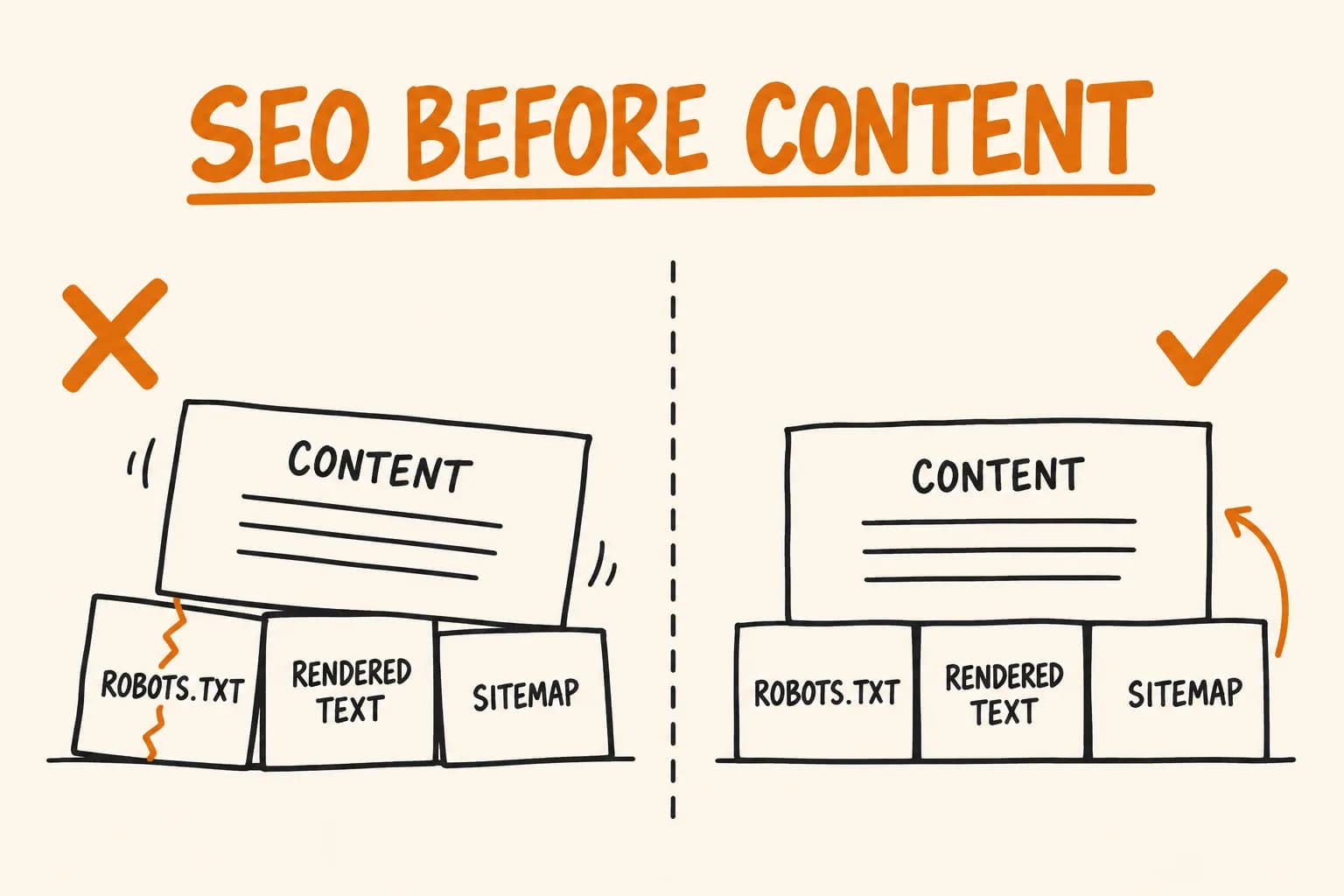
Paid content cannot do its job if search engines cannot reach the page, read it without running scripts, or tell which address is the real one. Before you pay an SEO company, a freelancer or me for articles and landing pages, run the checks below. Most of them take a browser and Google Search Console. Some you fix yourself in the CMS, some need a developer, and a few are decisions only you can make. The checks come in four groups: A, can search engines get in; B, can they read the page; C, do your signals agree; D, is it usable. If groups A and B (items 1–6) pass, buy the content. Any failure there comes first, and content spend is wasted until it is fixed. C and D can run alongside content.
Why Check Before Paying for Content
Content sits on the technical base of your site. A page can only help you if four things are true: a crawler can fetch it, it can read the text, it can tell which URL is the original, and it can find the page through links. Being crawled is not the same as being indexed, and being indexed is not the same as ranking. Each step can fail on its own, and a better article does not fix a failure at an earlier step.
That is why the order matters. If an SEO company proposes starting with content, ask what they checked first.
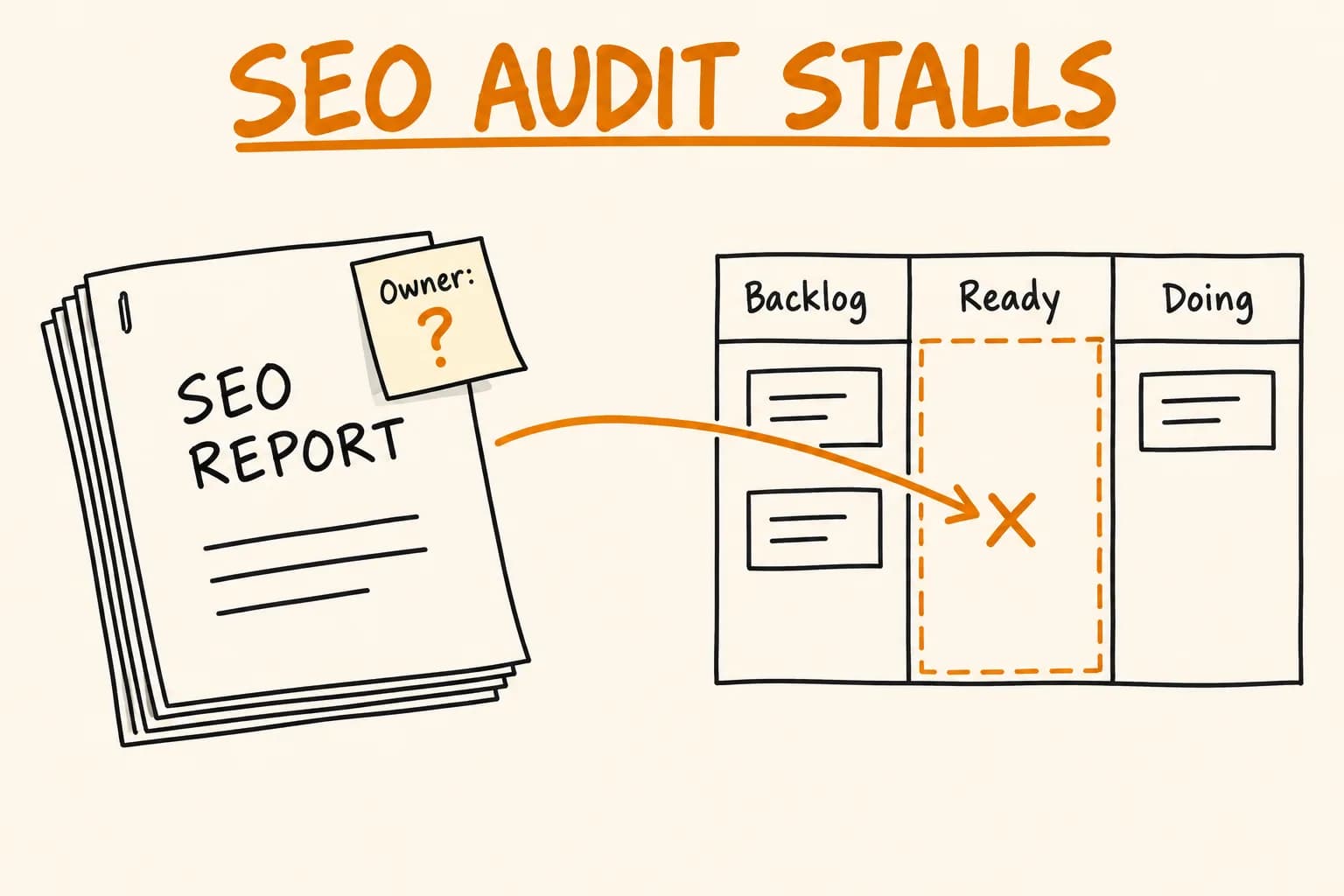
Each item has three parts: how to check it without code, what broken looks like, and who fixes it: you (CMS or settings), your developer or host, or a decision for you. If you already hold a report and nothing happens with it, why a list of fixes stalls is covered separately.
Before You Start: Check 0
You need about 15 minutes, a browser, a phone and access to Google Search Console. Item 0 is the console itself.
- Check: is there a Search Console property for your domain, verified by DNS? A domain-level property covers every protocol and subdomain. Keep the verification token in place permanently, because verification is re-checked and losing it removes access.
- Broken looks like: nobody on your side can log in, or the property was verified through a former vendor or employee account.
- Who: you. Hold owner access yourself, and give anyone you hire read-only access.
Data only accrues from the day the property is added. If you do not have one, set it up today, before anything else on this list.
The Checklist
A. Can search engines get in?
1. Nothing blocks the whole site.
- Check: open yourdomain.com/robots.txt and look for
Disallow: /underUser-agent: *. In Search Console, run URL Inspection on your home page and read ‘Indexing allowed?’. Open the page, choose View Page Source (not Inspect) and search for ‘noindex’. - Broken looks like: robots.txt disallows everything, or key pages say noindex. This is the classic leftover from a staging site. A page blocked in robots.txt can still appear in results, and a noindex on a blocked page is never seen.
- Who: your developer or host. If your CMS has a site-wide setting that discourages search engines, that one is yours.
2. Real pages return the right status.
- Check: type a made-up address on your site. It should show a not-found page. Search Console lists soft 404s in the Pages report.
- Broken looks like: a ‘not found’ page, or a blank page, that the server still reports as fine. Deleted pages should return 404 or 410.
- Who: your developer or host.
3. Bot protection is not blocking the crawlers you want.
- Check: read robots.txt for groups that name specific bots. Then ask your host or developer whether a firewall, CDN rule, CAPTCHA or script challenge sits in front of the site. You cannot see those from outside.
- Broken looks like: search crawlers get a 403, a 429 or a challenge page, or AI crawlers are blocked by a default nobody remembers setting.
- Who: your developer or host fixes the rule. Whether to allow AI crawlers is a decision for you, and I do not tell you which way to go. The effects differ: blocking a search crawler removes you from search and from the AI answers built on that index; blocking a training-only crawler leaves search alone at the engines that separate the two.
B. Can they read the page?
4. The text is in the page before any script runs.
- Check: right-click your key page, choose View Page Source, and press Ctrl+F for a sentence from the page, a price or a product name. Or use URL Inspection, then ‘View tested page’.
- Broken looks like: the source is an empty shell with one script tag, or the text appears only after a click, a scroll or a tab switch. Crawlers do not scroll, click or type, and some AI fetchers never run JavaScript at all. Core facts should be visible by default, not behind tabs and accordions.
- Who: your developer, through server-side rendering or pre-rendering. On a CMS it is usually a theme or plugin. On my own site the page text, canonical and JSON-LD are in the HTML the server sends.
5. Important pages have normal links.
- Check: can you reach every service, product and article page by clicking plain links from the home page or the menu, without the search box, a ‘Load more’ button or a filter?
- Broken looks like: pages reachable only through site search, a button that loads more items, or links made by script.
- Who: your developer, or you if you edit menus and hub pages in the CMS.
6. The sitemap lists the right pages.
- Check: open yourdomain.com/sitemap.xml and click 5 to 10 entries. Each should load, be the final address (no redirect), and be a page you want found. Confirm it is submitted in Search Console.
- Broken looks like: deleted, redirecting or noindex pages in the list, or test and parameter URLs.
- Who: you through CMS settings, or your developer.
A sitemap is a hint for discovery, not a request to index. A young or little-linked site can show ‘URL is unknown to Google’ for weeks or months, and that alone is normal, not a fault. Do not read it as a failed check, and do not let anyone promise you an indexing date.
C. Do your signals agree?
7. Each page has one address.
- Check: open one page as http and https, with and without www, with and without a trailing slash. All variants should end on a single version through a redirect. View source and find
rel="canonical"; it should point to that same page. - Broken looks like: several versions load side by side, or the canonical points to another page or to the home page. Duplicates are not punished as such. They dilute signals and waste crawling.
- Who: your developer or host, or the SEO plugin settings in a CMS.
8. Old addresses redirect once, to the matching page.
- Check: take three to five old or renamed addresses (old brochure URLs, previous-site URLs from Search Console or from old links) and open them. Each should go through one permanent redirect to the equivalent page.
- Broken looks like: everything sent to the home page (treated as a soft 404), chains of several hops, temporary redirects left for months, or a 404 where a replacement exists. After a move, redirects should stay at least a year.
- Who: your developer or host.
9. Titles and headings say what the page is.
- Check: the title in the browser tab and the visible main heading should agree and describe one topic. No two pages should carry the same title.
- Broken looks like: ‘Home’ or the shop name on every page, or two pages aimed at the same query so they compete with each other.
- Who: you, in the CMS editor. A content writer can legitimately fix this one. Skip fixed character counts and ‘exactly one H1’ rules; no search engine documents them.
D. Is it usable and understandable?
10. The phone version has the same content.
- Check: open your key page on a phone. Same text, links and images, nothing that needs a tap to appear. At least one major engine indexes the mobile version only.
- Broken looks like: shorter text, missing links or hidden sections on mobile.
- Who: your developer or theme.
11. Real-user speed, read but not chased.
- Check: the Core Web Vitals report in Search Console, or the ‘field data’ block in PageSpeed Insights. Not the lab score. The ‘good’ thresholds are LCP within 2.5 seconds, INP under 200 milliseconds and CLS under 0.1.
- Broken looks like: URLs marked ‘Poor’ in field data.
- Who: your developer or host, plus whoever handles images. Relevance beats page experience, so a perfect score is not worth chasing for search. Fix red field data and move on.
12. Structured data is valid and honest.
- Check: paste one page into Google’s Rich Results Test or the schema.org validator, and read the enhancement reports in Search Console. The markup must describe what is visible on that page.
- Broken looks like: errors, invalid items rising after a template change, or star ratings on pages that show no reviews.
- Who: your developer, or SEO plugin settings. Valid markup makes a page eligible for rich results; it guarantees nothing, and there is no special markup for AI answers. My site marks up the person, the services, each article and the breadcrumb path with JSON-LD.
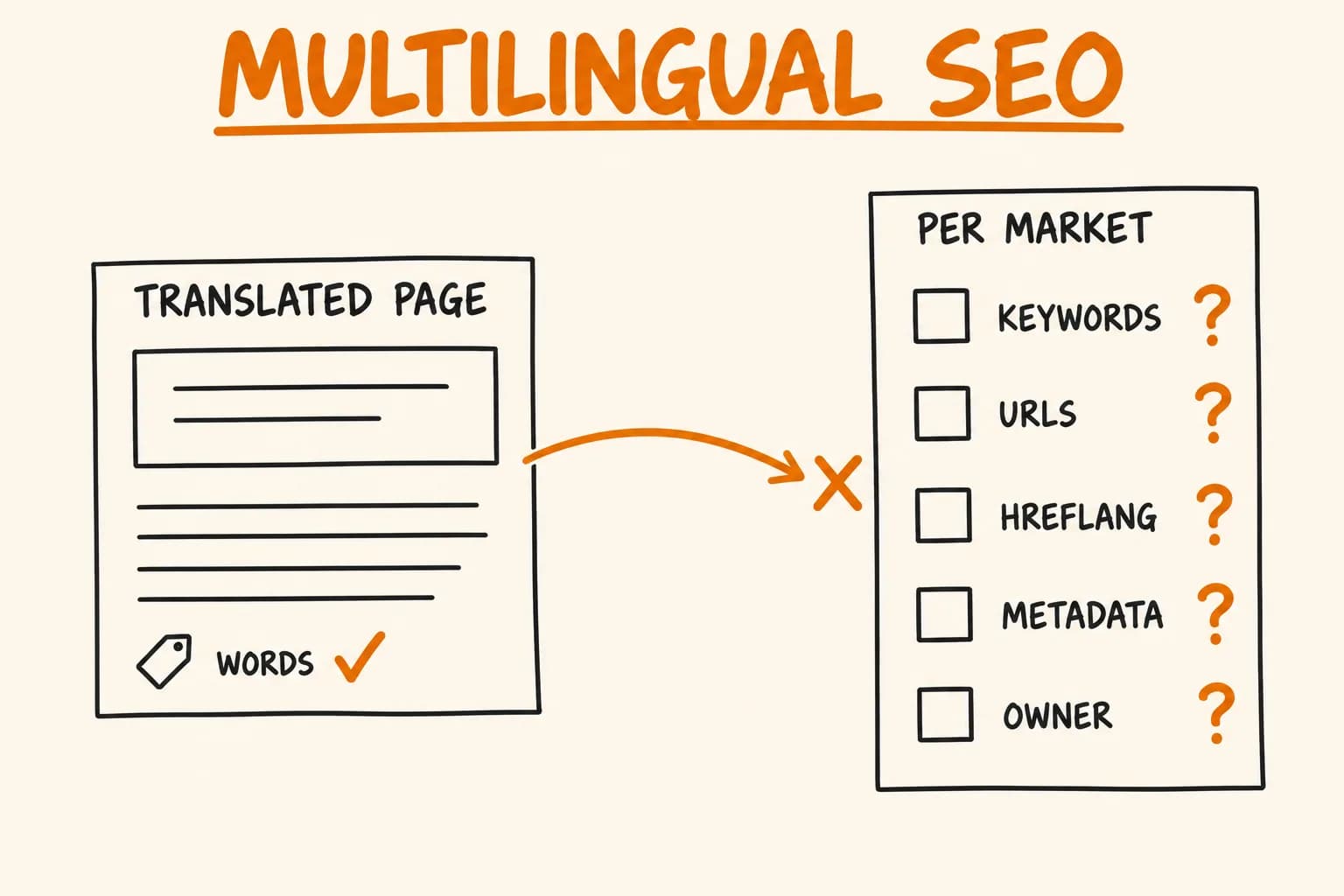
If you sell in several languages, there are extra checks that this list does not cover. They are in what multilingual SEO needs that a translated site lacks.
What Is Not on This List
Public checklists are full of items no search engine documents. Skip these:
- llms.txt. No engine documents it as an input for ranking, indexing or citation. Optional at best, never a lever.
- Meta keywords, sitemap priority and changefreq, word-count targets, keywords in the domain, fixed title lengths, ‘update every 90 days.’ Ignored or undocumented.
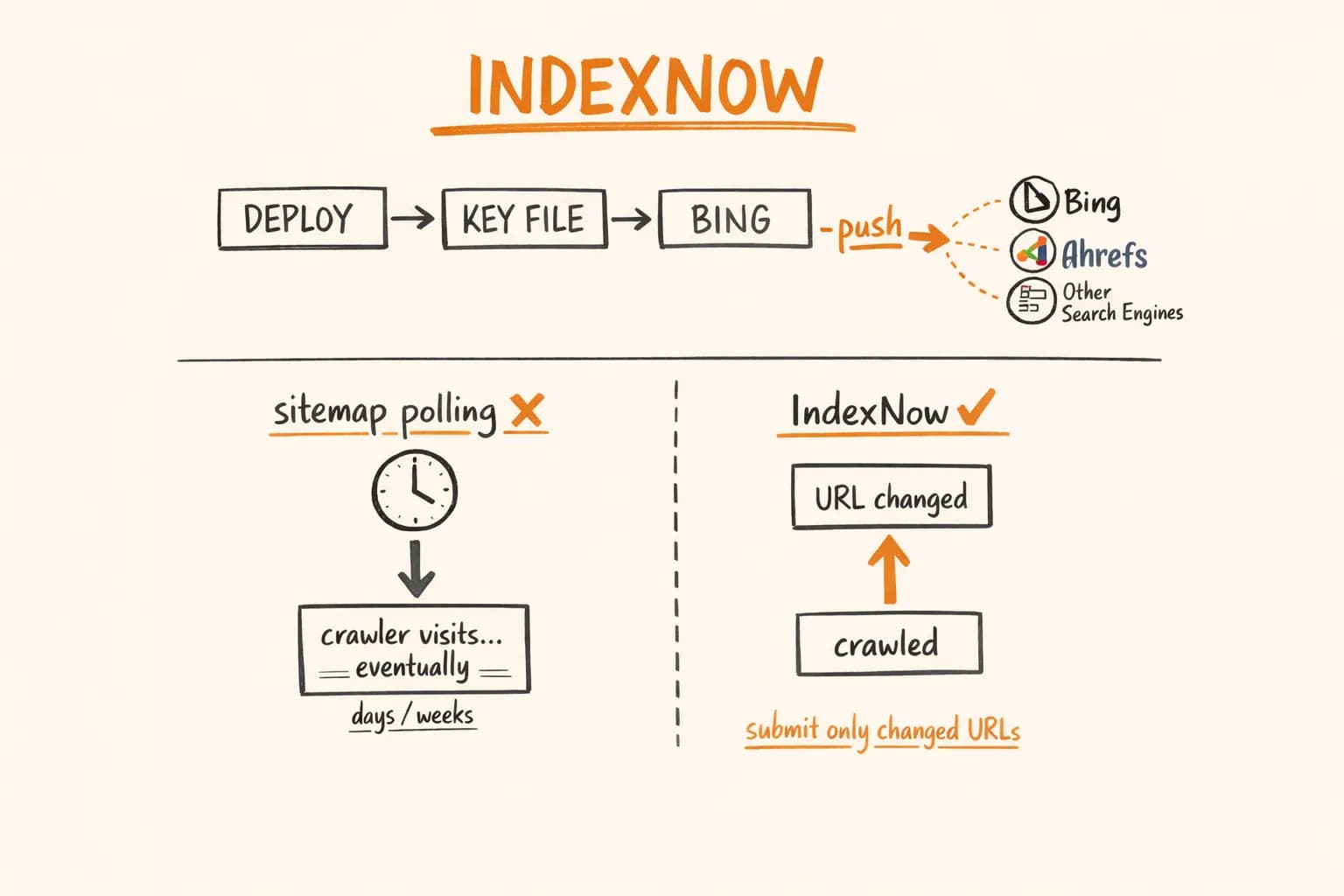
- IndexNow. It notifies participating engines when a page changes. Not all engines take part, and it is optional. My site pings it after each deploy. Developers can read how it works.
- ‘AI-optimized’ extra files or markup, bought mentions, rank guarantees. Skip.
How to Read Your Result
Sort the items into three piles: fix first, fine, ask your developer. Any failure in groups A or B (items 1–6) comes first; C and D can run alongside content. If your developer wants the how-to behind items 4, 6, 7 and 12, hand them technical SEO by default. To tick items off as you go, use the SEO and AI search checklist, which covers crawler access, indexing, rendering, structured data, content and measurement, and saves your progress on your device.
If you would rather have one person run all of this and write it up, that is the Technical SEO/GEO Audit. If you want a walk-through of your own results with a person who can answer questions, that is a technical consultation, €200.
Questions to Ask Any SEO Company Before You Sign
- What access do you need to my site and Search Console?
- Who makes the technical changes: you, or my developer?
- What do I own when we stop? The content, the configuration and the accounts should be yours.
- Do you guarantee a position, offer ‘priority submission’ or a ‘special relationship’ with a search engine, use a secret method, or require links back to you? Each of these is a red flag. The site owner is responsible for what a vendor does on their site.
Who Should Not Buy Content or Monthly SEO Yet
- Any item in groups A or B (items 1–6) fails. Fix those first. Paid content on a site that search engines cannot reach or read is wasted money, whoever writes it.
- The site sells nothing, or there is no search demand in your markets. Fix the offer first. Better SEO will not create demand that does not exist.
- You need guaranteed positions, or paid ads. The monthly work is organic search only; Google Ads, Meta and Reddit are a separate service.
- You expect one price for several domains. The scope is one site.
Who can skip this checklist: a site built and run by a competent developer who already watches Search Console (they should still do check 0), a one-page brochure site with no content plan, or anyone who already holds a current written report and a named person to carry it out.
The Next Step
Run the checklist this week. If groups A and B pass, buy the content, from me or anyone else. If the fixes pile up and you have nobody to do them, write to me with the site and I will tell you whether they are an afternoon of work or a project. If the answer is ‘your developer can do this in a day’, that is a fine answer.