Google Ads conversion tracking can be set up correctly and still report the wrong number. A tag that fires only proves a tag fires. The questions that matter come after: which actions feed the Conversions column, whether one order is counted once, whether the value and currency are what you think, and how many buyers Google never sees at all. Here is the check I run, in about twenty minutes, with your orders as the reference.
I will not repeat setup instructions; there are plenty. This is an audit for an account that already tracks something. Where I show code, it comes from a Next.js and Stripe store whose analytics I built, and it covers the GA4 side only. That store has no Google Ads conversion tag, so everything I say about the Ads account below is what to verify in yours, not a description of mine.
What ‘Counting Real Money’ Means
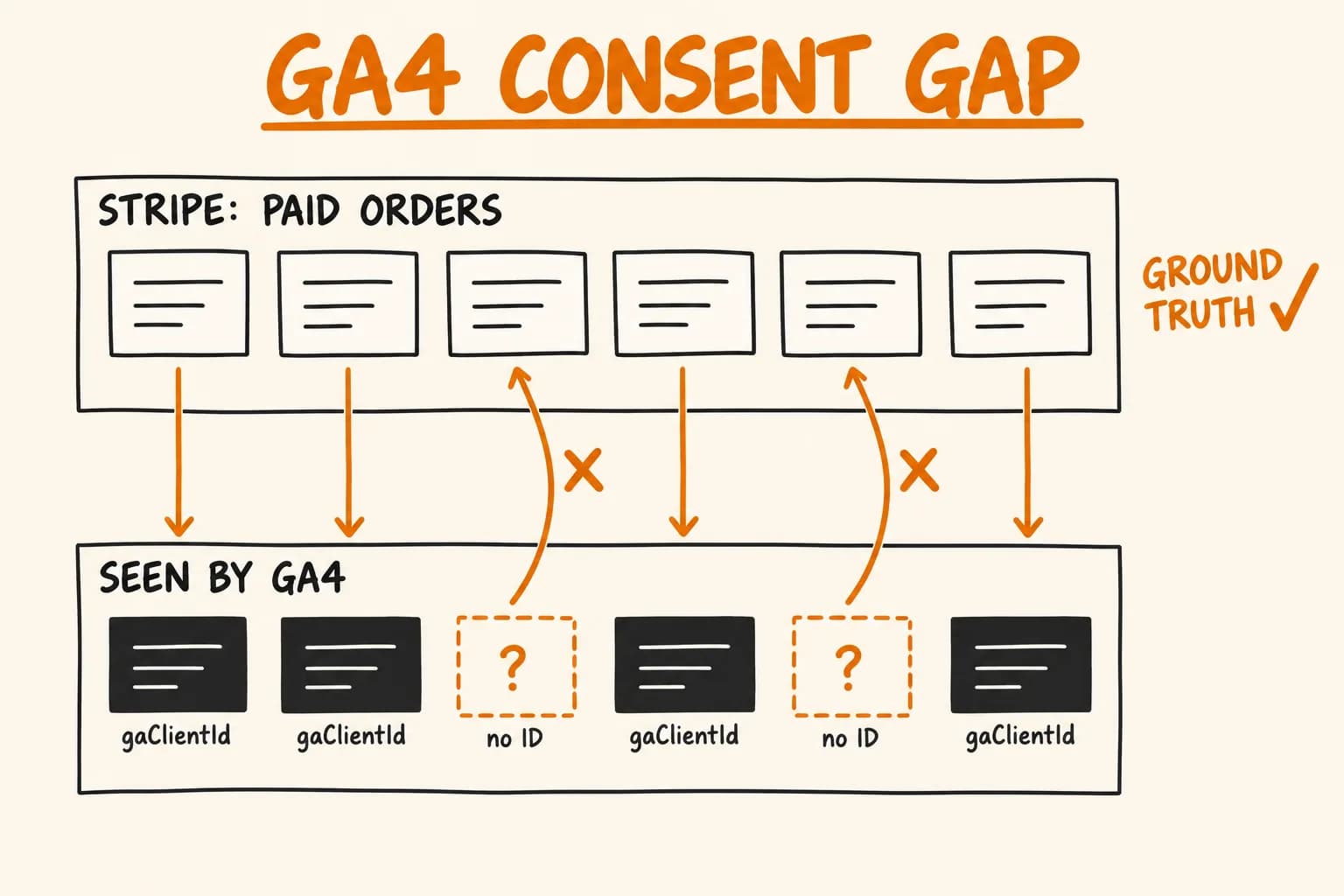
Your payment processor, shop database or CRM is the ground truth: orders that were paid, in the amounts that were paid. Google Ads shows you a count that depends on consent, ad blockers, attribution windows and modelling. Treat it as a measurement to compare against the truth, not as the truth.
So the first step is boring. Pick a short recent period and write down the real number of orders and their total from your own system. Every check below compares the Ads number to that figure. If you cannot produce the real figure, tracking is not your first problem.
Check 1: Primary vs Secondary Actions
Google’s help page on primary and secondary conversion actions says primary actions are reported in the Conversions column and used for bidding, provided the goal they belong to is used for bidding. Secondary actions are observation only: they show up in the All conversions column and are not used for bidding. There is one exception, a secondary action inside a custom goal, which is used for bidding. The page on ‘All conversions’ adds that this column also includes things like view-through conversions that the Conversions column does not.
What to look at in your account:
- List every conversion action and note which are primary. Each one is something the bidding system may try to produce more of.
- Ask of each: is this a real business outcome? A page view, a ‘thank you’ page that loads on refresh, or a click on a phone number is a different thing from a paid order.
- Compare the Conversions column with All conversions. A big gap means you are looking at different populations, and you should know which one your decisions use.
When I audited my own Google Ads account, it still carried primary website conversion actions that belonged to my other projects. I removed them. In the same account, a primary form action had once counted a spam or test submission as a conversion. That is a finding, not a success story. A primary action does not know what a good outcome is; it counts what you told it to count. (I do not put the lack of real inquiries in that account down to tracking; it came down to channel, offer and volume.)
Check 2: One Stable transaction_id
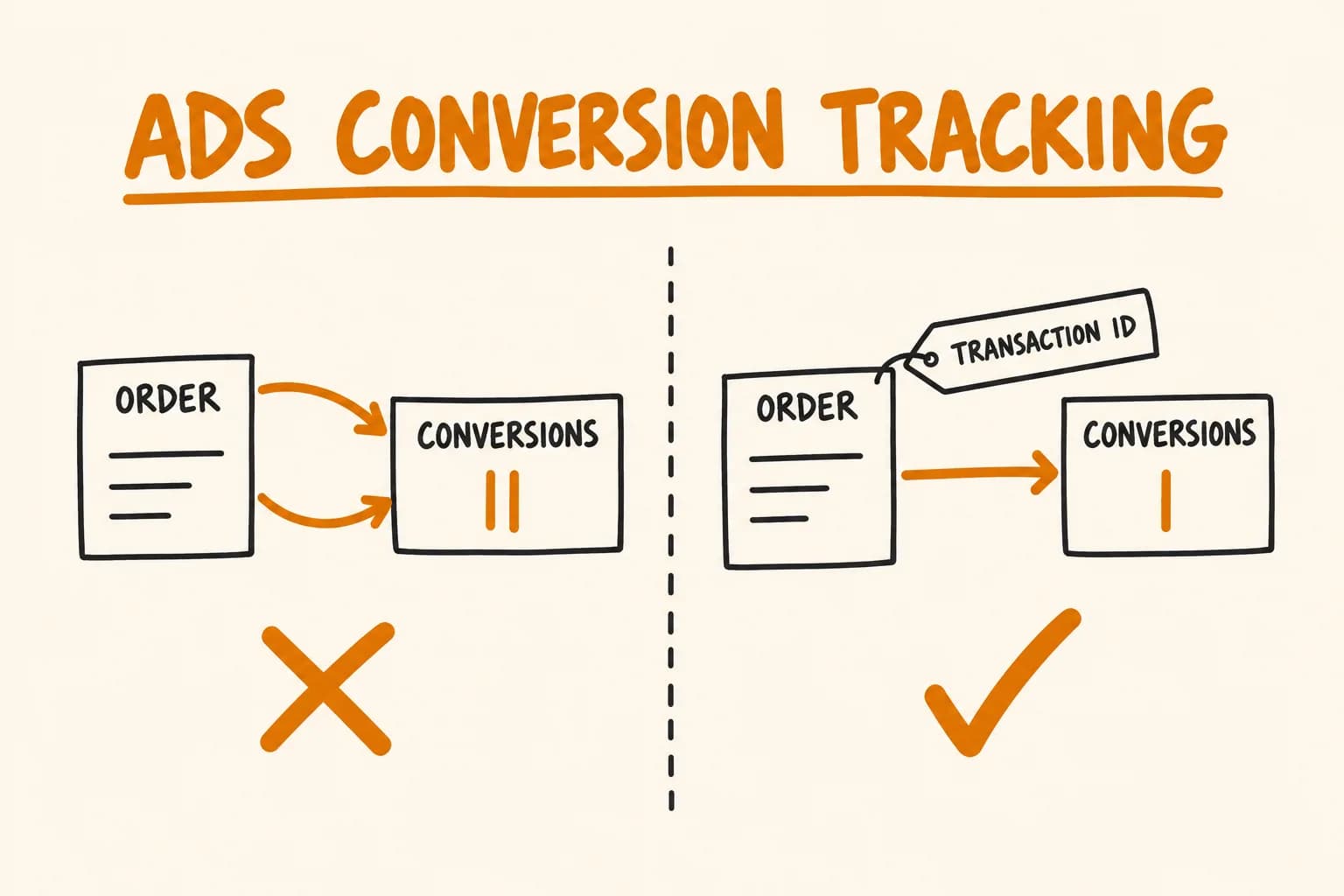
If the same order can be reported twice, Ads will overcount. Google’s page on conversion tracking setup says the transaction ID must be unique for every transaction, and that when two conversions for the same action share an ID, the duplicate is not counted. It also says an ID does not fix every kind of duplicate, view-through conversions among them. For GA4, the help page on transaction ID deduplication says purchase events with the same ID are deduplicated, that it works for web streams only, and that an empty transaction_id makes unrelated purchases merge into one.
So the ID has two jobs. It must be the same for repeats of one order, and different for every other order. In the store I mentioned, it is our own order number, set in the Stripe webhook handler:
// trackPurchase() in the Stripe webhook route, trimmed
const purchaseParams = {
  transaction_id: orderData.orderNumber,
  revenue: (orderData.subtotal + orderData.shippingCost) / 100,
  currency: orderData.currency.toUpperCase(),
  tax: orderData.vatAmount / 100,
  // ...
};
That handler runs once per paid order, because Stripe delivers events at least once and the code skips orders already in a paid state. I would not call that ‘exactly once’ as a guarantee, only that the known repeat path is closed. The ID comes from the order, not from the browser session, so a reload of the confirmation page cannot mint a second one.
What to verify in your setup: open two or three real orders and check that the ID reported equals your order number, is not empty, and does not change on reload. A placeholder, a timestamp or a session ID will pass a ‘the tag fires’ test and fail this one.
Check 3: Value and Currency
A conversion without a value cannot be compared to revenue. A conversion with the wrong value is worse, because bidding strategies that optimise for value will take the number seriously.
Three things to pin down:
- Net or gross. Google’s reference for the GA4 purchase event says
valueis the sum of price times quantity for the items and should not includeshippingortax; those have their own parameters. My code computes net revenue (the field is calledrevenuein my event and mapped tovaluefor GA4), with VAT excluded and reported intax, but it includes shipping invalue, so it differs from that reference by the shipping amount. I chose that so the purchase event matched the basis of every earlier funnel step. Whether to use net or gross is a decision, not a right answer. Choose one deliberately and keep it the same everywhere. - Currency. It should come from the order, in the format Google expects, not be hard-coded. In the code above it is the order’s own currency, uppercased. A shop selling in two currencies with a hard-coded one reports nonsense.
- Test orders. Test payments should not reach the live property. In that store, test-mode orders carry an
internalflag and the GA4 sender returns early for them. Check what your setup does with a test order; if you do not know, make one and see.
One more caution. If your lead forms report a value, it is an estimate you chose, not revenue. In my own tracking, generate_lead carries an estimated lead value, and it should never be added up with paid orders as if both were money received.
Check 4: Buyers Who Declined Consent
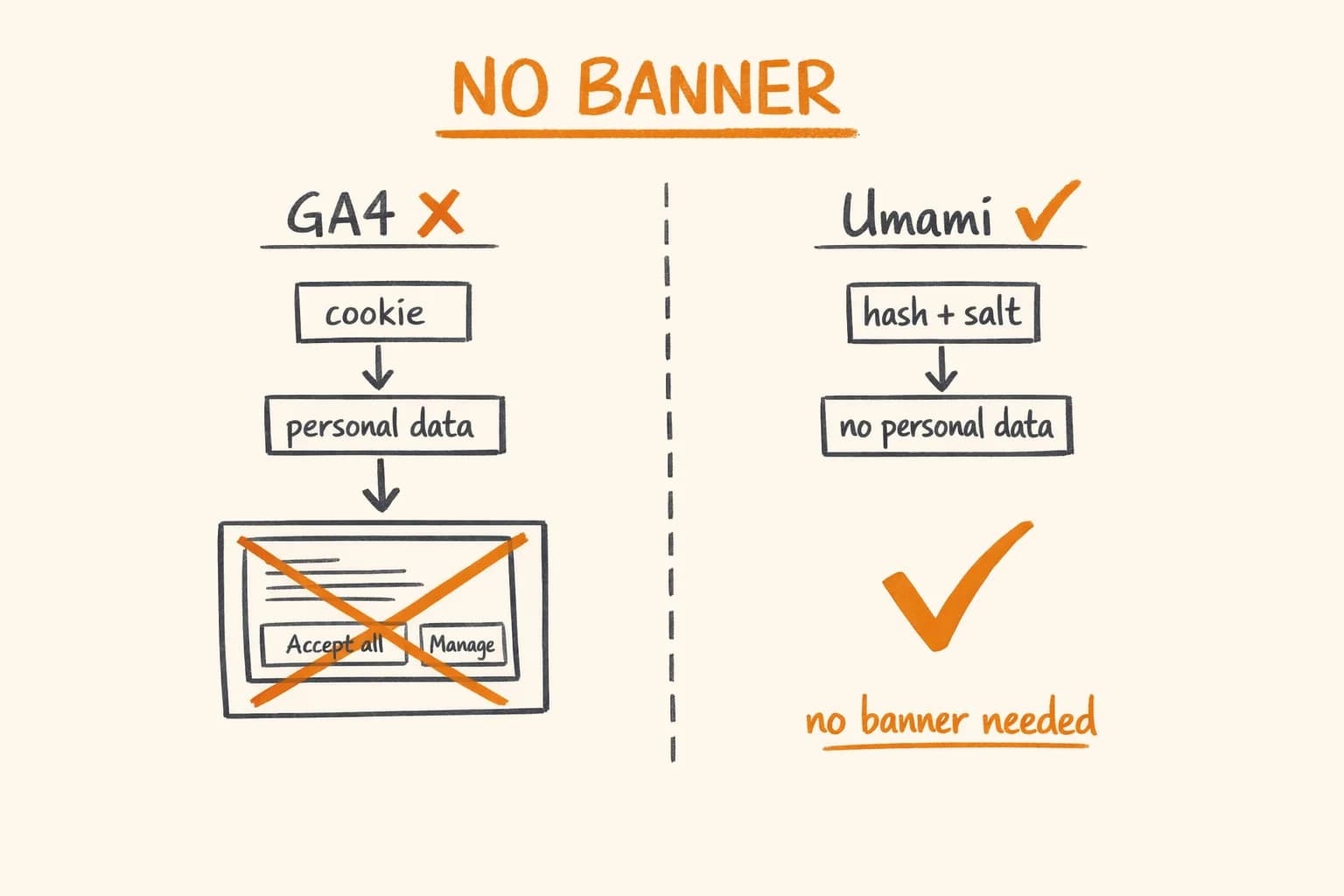
With Consent Mode, the defaults matter. In the store I describe, the inline default sets analytics_storage, ad_storage, ad_user_data and ad_personalization to denied for a visitor with no stored choice, and Google’s tag loads only after the visitor grants a category. Google’s consent mode page for Ads describes the two implementations: with basic, no data is sent to Google when consent is denied; with advanced, tags send cookieless pings and Google models the gaps, subject to data thresholds.
This is the part people skip. Under a basic setup, a buyer who declines is invisible to Google’s tags. The order exists in your system and nowhere in Ads. The number in Ads is lower than reality by design, not because something is broken. How much lower depends on your banner and your traffic, so measure it against your own orders. I described one way to do that in counting the sales GA4 never saw, and I will not repeat the script here.
Check 5: Server-Side Sending, and What It Does Not Do
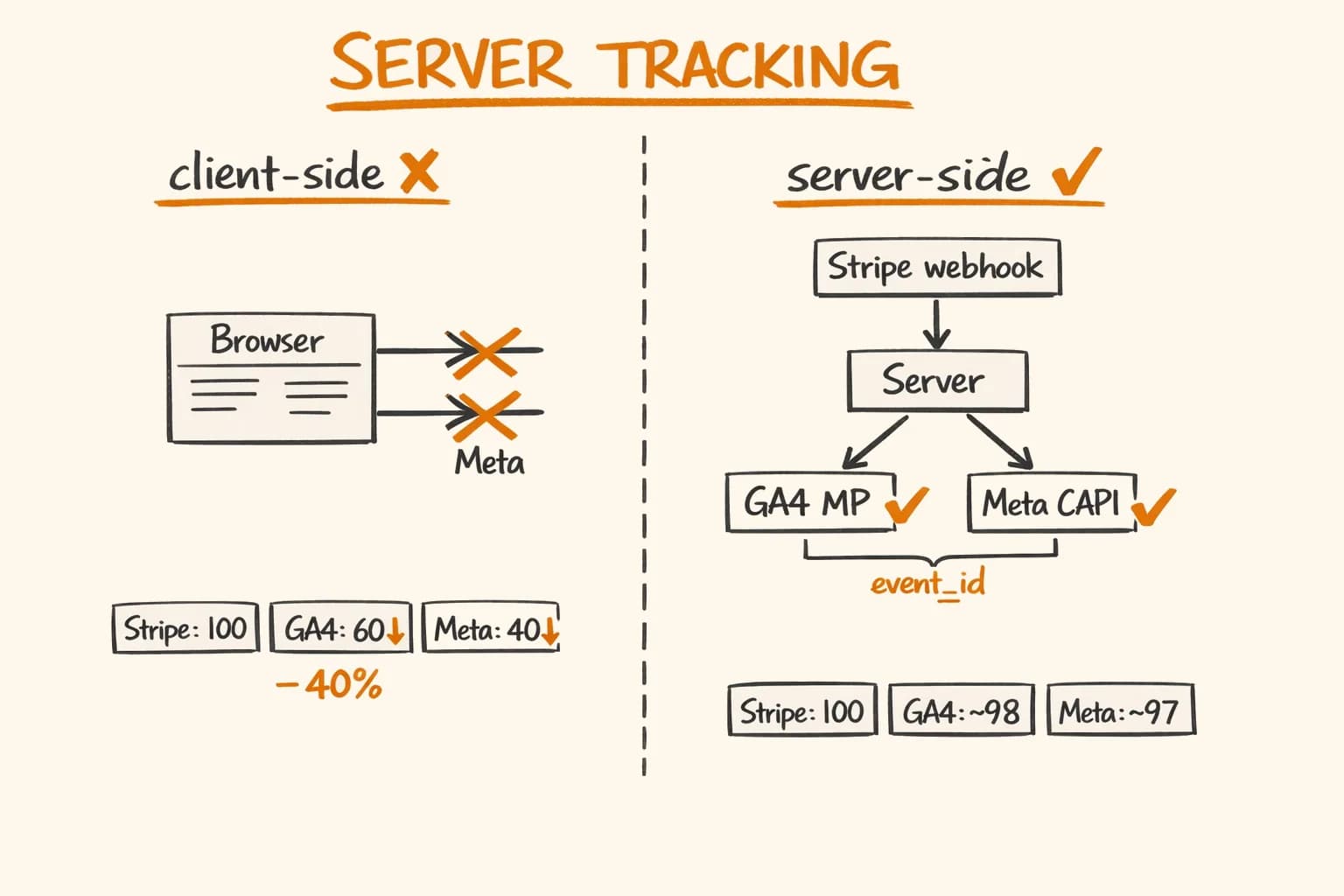
Server-side sending is the part most often oversold. In this store the GA4 purchase event is sent only from the server, through the Measurement Protocol, from the payment webhook. It is sent only when a real client ID and session ID were captured at checkout, which happens only when the buyer gave analytics consent. If they did not, the code skips the send on purpose. gclid, utm_source, utm_medium and utm_campaign are stripped from every server-side event.
So this path covers a lost confirmation hit: the webhook fires even if the buyer closes the tab before the confirmation page loads, as long as gtag had already given them an ID. It does not recover buyers who declined consent, and it does not recover buyers whose ad blocker stopped gtag from loading, because they have no ID either. I would be wary of any claim that it does. What is legally acceptable for you is a question for your adviser, not for a blog post.
The code has a limit worth checking in yours. The sender catches a failed request with a warning and does not read the response. Google’s Measurement Protocol validation page says the collect endpoint does not return HTTP error codes even for malformed events, so a successful response proves little anyway. Verify delivery with Google’s validation endpoint described there, or in GA4’s DebugView, with a real test order. My older post on server-side tracking for GA4 and Meta covers a different system and build.
The 20-Minute Checklist
- Write down real orders and total for a recent period from your own system.
- List every conversion action in Google Ads. Mark which are primary, and delete or demote anything that is not a real business outcome.
- Compare the Conversions and All conversions columns for the same period. Know which one you are reading.
- Place a test order. Confirm the
transaction_idequals your order number, is not empty, and survives a page reload. - Confirm value and currency on that order against the invoice. Write down whether value is net or gross and whether it includes shipping.
- Confirm test orders do not reach the live property.
- Look up your consent defaults and whether tags load before consent. Estimate how many buyers Google cannot see, using your own orders.
- If you send anything server-side, check delivery with a validation request or DebugView, not with the HTTP status.
If the Ads count is within a believable distance of the real figure and you can explain the gap, you are fine. If you cannot explain it, do not change bids yet; fix the explanation first.
When to Stop Tuning and Call Someone
Some of this is an hour of work for someone who has done it. Some of it, such as reading webhook code or consent defaults, needs a developer. If the check turns up gaps you cannot close yourself, or you cannot tell whether the number in Ads is right, I do this as part of Google Ads management: I check the tracking first, because budget tuned on a wrong number is wasted. If you are paying a manager a share of your spend, read why that fee structure leans the wrong way first.
Limits of this check: it will not tell you whether your ads are a good idea, only whether you can trust the count. It also cannot see buyers Google never recorded. If your volume is tiny, a handful of orders a month, the comparisons above will bounce around, and a spreadsheet matched by hand against Ads is a better tool than any of the above.
Further reading:
- GA4 Consent Mode Gap: Counting Sales It Hides – measuring buyers GA4 never saw, from Stripe
- GA4 Server-Side Tracking + Meta CAPI in Next.js – server-side sending on a different system
- Google Ads Management: Why % of Spend Is the Wrong Fee – the fee question, kept separate
- Stripe Webhooks: Idempotency, Retries, and Queue Setup – getting payment events reliably