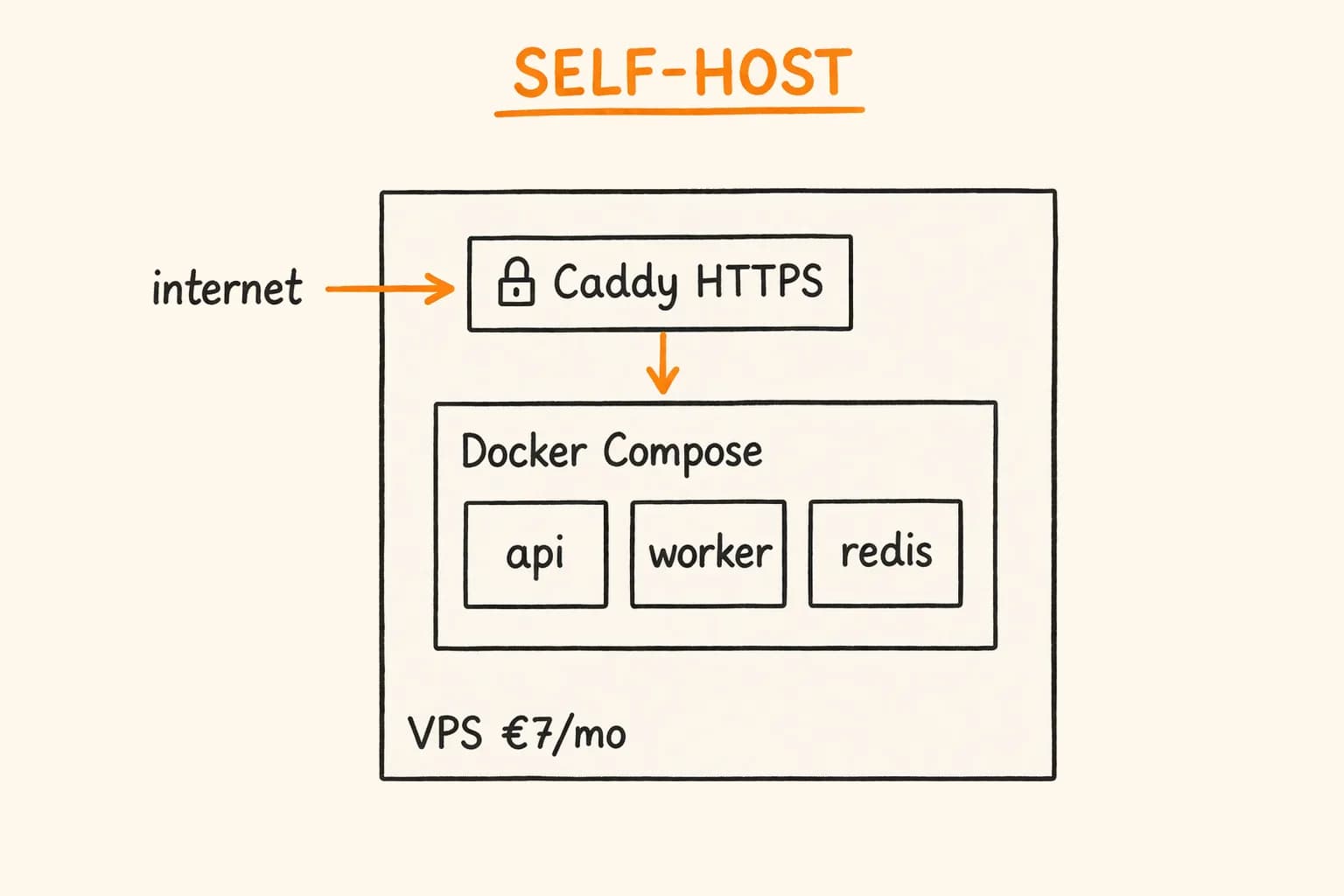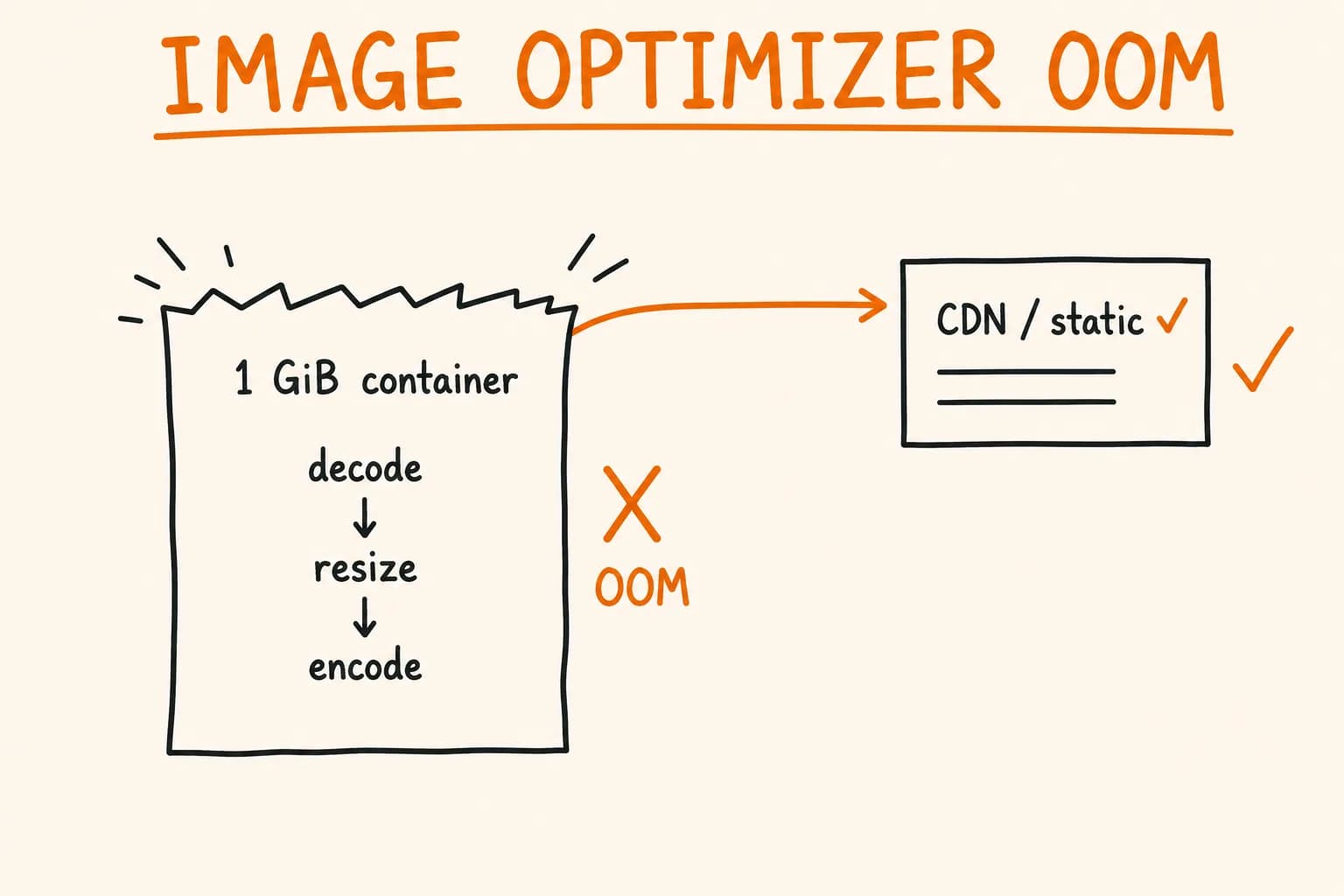
On Vercel, next/image is somebody else’s problem. The optimizer runs on their infrastructure, scales on their bill, and you never see it fall over. Move the same app to a self-hosted VPS in a 1 GiB container – which is exactly where this site runs, on a Coolify-managed Docker host – and the optimizer becomes the single most likely thing to get your process OOM-killed.
It is not a bug. next/image does real work: it decodes the source image, resizes it to the requested width, re-encodes it to WebP or AVIF, and holds the whole thing in memory while it does. Under Vercel’s default runtime that work is invisible. Under a fixed memory ceiling it competes directly with your Node.js process for the same RAM, and image decoding is one of the most memory-hungry things a web server does.
Nobody warns you about this when they tell you to self-host to save money. Here is how I keep the optimizer inside the memory budget – and when to take it out of the request path entirely.
Why the Default Optimizer Is Memory-Hungry
The mechanics matter here, because they explain every mitigation that follows.
When a browser requests /_next/image?url=...&w=1200&q=75, Next.js hands the work to sharp (libvips under the hood). For that one request it:
- Fetches the source image bytes.
- Decodes them into a raw pixel buffer – an uncompressed bitmap in memory. A 4000×3000 JPEG is a few hundred KB on disk but ~46 MB decoded (width × height × 4 bytes).
- Resizes that buffer to the target width.
- Re-encodes to WebP or AVIF. AVIF encoding in particular is CPU- and memory-intensive.
The decoded bitmap, not the file size, is what threatens the budget. A ‘small’ 2 MB photo can balloon into tens of megabytes of live memory mid-request. Now serve a page with a dozen images, each requested at several deviceSizes breakpoints by different clients at once, and the concurrent decode buffers add up fast. libvips is efficient, but efficient is relative – decoding a high-resolution image is not cheap inside a 1 GiB ceiling shared with your app, Sentry, and everything else.
Two more things quietly inflate the cost:
- AVIF. It produces smaller files than WebP, but the encoder is dramatically heavier. On a constrained box, choosing AVIF is choosing to spend memory and CPU you may not have.
- The default
deviceSizesarray. Next.js ships with eight device widths and seven image widths out of the box. Every distinct width is a distinct optimization job and a distinct cache entry. If you never render images at those widths, you are keeping the door open for optimization work you will never use.
The optimizer also caches results on disk under .next/cache/images. In a container that is ephemeral – the cache is empty on every fresh deploy, so the first visitor after each release pays full price for every image.
Bounding the Built-In Optimizer
If you want to keep using next/image – and for a small site you probably should – the goal is to make the worst case bounded and rare. The controls live in next.config.ts.
Here is the relevant part of what this site actually runs:
// next.config.ts
const nextConfig: NextConfig = {
  images: {
    formats: ["image/webp"],
    minimumCacheTTL: 2592000, // 30 days
    remotePatterns: [],
  },
  output: "standalone",
};
Small file, deliberate choices. Each one:
Drop AVIF, keep WebP
formats: ["image/webp"],The default is ["image/webp"] already in recent Next.js, but the point is to be explicit and to not add AVIF. WebP gets you most of the file-size win at a fraction of the encode cost. On a box where memory is the constraint, that trade is correct. If you later move the optimizer off-box (below), you can revisit AVIF because it is no longer your RAM being spent.
Set a long minimumCacheTTL
minimumCacheTTL: 2592000, // 30 daysEvery re-optimization is a fresh decode-and-encode. A blog cover or product photo does not change; there is no reason to let its optimized output expire quickly and force the work again. Thirty days means the optimizer does each variant once and then serves cached bytes until well past when it matters. This is the cheapest single win – it converts repeated CPU/memory spikes into one-time cost.
Constrain the widths you actually serve
Next.js multiplies work across deviceSizes and imageSizes. If your layout only ever renders images at a handful of real widths, trim the arrays to match:
images: {
  formats: ["image/webp"],
  minimumCacheTTL: 2592000,
  deviceSizes: [640, 828, 1080, 1920],
  imageSizes: [256, 384],
},
Fewer widths mean fewer optimization jobs and fewer cache entries. Do not do this blind – measure which widths your sizes attributes and layouts actually request, then cut the rest. Trim a width your pages genuinely use and you ship blurry images to some viewports. This is a scalpel, not a hammer.
Lock down remotePatterns
remotePatterns: [],An empty allowlist means the optimizer will only touch images served from your own origin. This is partly security – an open optimizer is a request-forgery and abuse vector, since anyone can point /_next/image at arbitrary URLs and make your server decode them – and partly capacity. On a 1 GiB box you do not want strangers driving decode work on your dime. If you genuinely serve remote images, list the exact hostnames, never a wildcard.
Persist the cache across deploys
The one thing config alone will not fix: .next/cache/images lives inside the container and dies with it. If your standalone build resets that directory on every deploy, the first hit after each release re-optimizes everything.
The fix is to mount a volume for the image cache so it survives restarts and redeploys. In a Coolify or plain Docker setup, bind .next/cache/images (relative to the standalone app root) to a persistent volume. Now optimized variants outlive deploys, and the post-deploy memory spike from cold-caching every image disappears. If your host makes persistent volumes awkward, that is itself a strong signal to offload – which is the next section.
When to Take the Optimizer Out of the Request Path
Config tuning bounds the problem. It does not remove it. Every optimized image is still a decode-encode job competing for the same RAM as your app, and the busier the site, the more that concurrency stacks up. Past a certain traffic level, or if image work is spiky and unpredictable, stop doing it in the Node.js process at all.
There are two clean ways off.
Option 1: A custom loader pointing at a CDN
next/image lets you replace the optimizer with a loader. Instead of /_next/image, the src becomes a URL to an image CDN (Cloudflare Images, imgix, Cloudinary, or a Cloudflare Worker in front of your origin) that does the resize and format conversion at the edge:
// next.config.ts
images: {
  loader: "custom",
  loaderFile: "./lib/image-loader.ts",
},
The loaderFile runs as a Client Component, so it needs the 'use client' directive at the top – otherwise Next.js throws a serialization error at build time.
// lib/image-loader.ts
"use client";

export default function cloudflareLoader({
  src,
  width,
  quality,
}: {
  src: string;
  width: number;
  quality?: number;
}) {
  const params = [`width=${width}`, `quality=${quality || 75}`, "format=auto"];
  return `https://images.example.com/cdn-cgi/image/${params.join(",")}/${src}`;
}
Your container never decodes anything. It serves HTML and JSON; the edge serves images. This is the biggest single cut in memory pressure you can make, and it pairs naturally with an already-Cloudflare-fronted setup – the proxy is right there. The trade-off is a dependency and, depending on volume, a cost. For most small sites Cloudflare’s free tier or a cheap worker covers it; measure before assuming.
Option 2: Pre-build the images, disable optimization
If your images are known at build time – blog covers, a fixed set of product shots, marketing assets – you do not need a runtime optimizer at all. Generate the sized WebP variants during the build (a sharp script, or a Velite/asset step) and set:
images: {
  unoptimized: true,
},
Now next/image serves your pre-generated files as static assets straight from the CDN cache. Zero runtime decode work, zero optimizer memory, and the first visitor after a deploy pays nothing because there is nothing to compute. The cost is build-time complexity and losing on-the-fly arbitrary widths – which, for a content site with a stable image set, you never needed.
This is the option I reach for when the image set is finite and known. Static images are static; making a live server re-derive them on demand is work you can delete.
Where This Doesn’t Apply
Be honest about scope. If you deploy on Vercel, most of this is irrelevant – you are paying them precisely so the optimizer’s memory is not your problem, and tuning deviceSizes for memory reasons would be solving a problem you do not have. If you have a generous container (4 GiB+) and low traffic, the default optimizer is fine; do not add a CDN dependency to save memory you are not short on.
The advice here is specifically for the squeezed middle: a self-hosted deployment, a real memory ceiling, and enough image traffic that decode buffers are a live risk. That describes a lot of people who moved off Vercel to cut cost and did not budget for the optimizer following them onto a smaller box.
And do not reach for sharp concurrency tuning (sharp.concurrency()) or Node --max-old-space-size flags as a first move. Those are knobs for when you already understand your memory profile. Config, cache persistence, and offloading fix the actual cause; process flags mostly move the cliff a few metres further out.
The Short Version
- The
next/imageoptimizer decodes images into large uncompressed buffers in memory. On a small self-hosted container it is a leading OOM risk, not a background detail. - Bound it: WebP not AVIF, a long
minimumCacheTTL,deviceSizes/imageSizestrimmed to widths you actually render, and an empty (or exact)remotePatterns. - Persist
.next/cache/imageson a volume so deploys don’t force a cold re-optimize of everything. - Past a certain load, take optimization off the box entirely – a custom loader to a CDN, or pre-built images with
unoptimized: true. - On Vercel or a roomy box, skip most of this. It is a fix for a specific constraint, not a universal best practice.
I run this site on a self-hosted VPS behind Cloudflare, in a container with a hard memory ceiling, and the image optimizer was the last real OOM risk left after everything else was tuned. If you’ve moved a Next.js app off Vercel and are fighting the memory budget – or trying to decide whether to self-host at all – get in touch. I’m available for technical consultation on infrastructure, deployment, and production operations.
Further reading:
- Next.js Image Optimization docs
- next.config images configuration
- sharp performance guide
- Self-Hosting Node.js API: Caddy, Docker Compose, VPS – the deployment setup this runs on