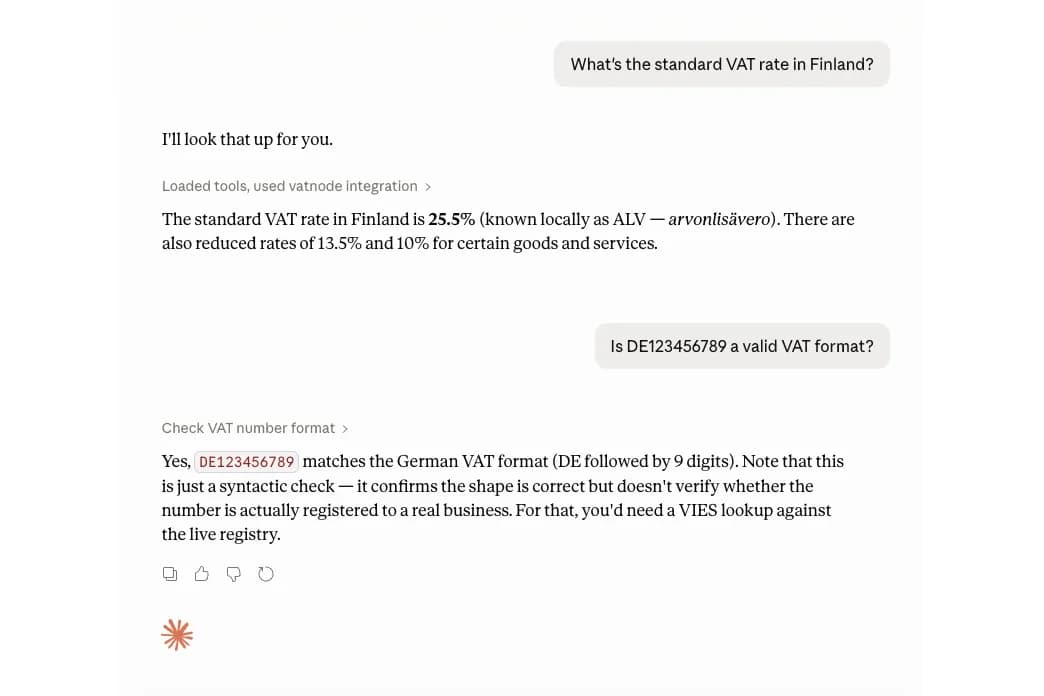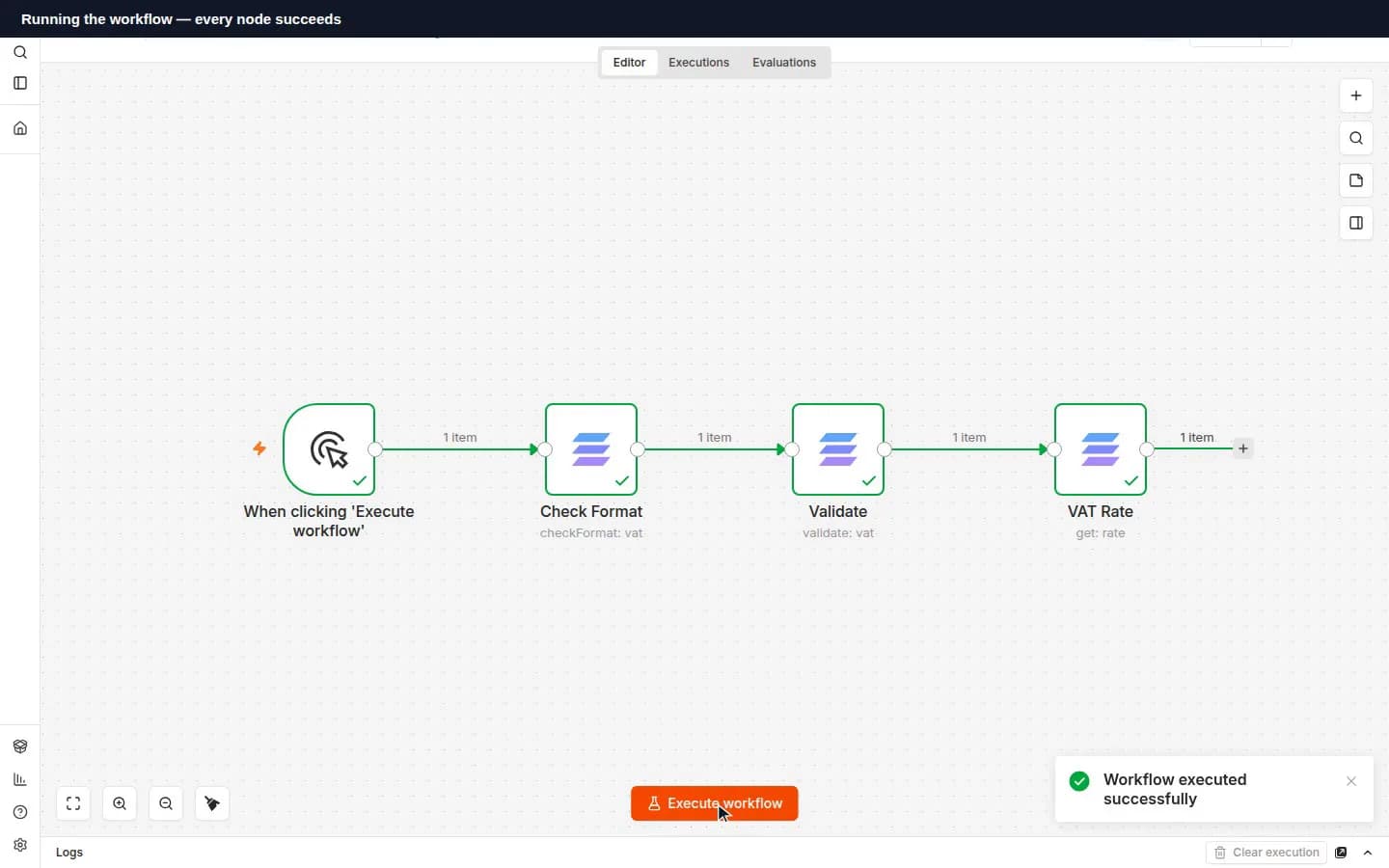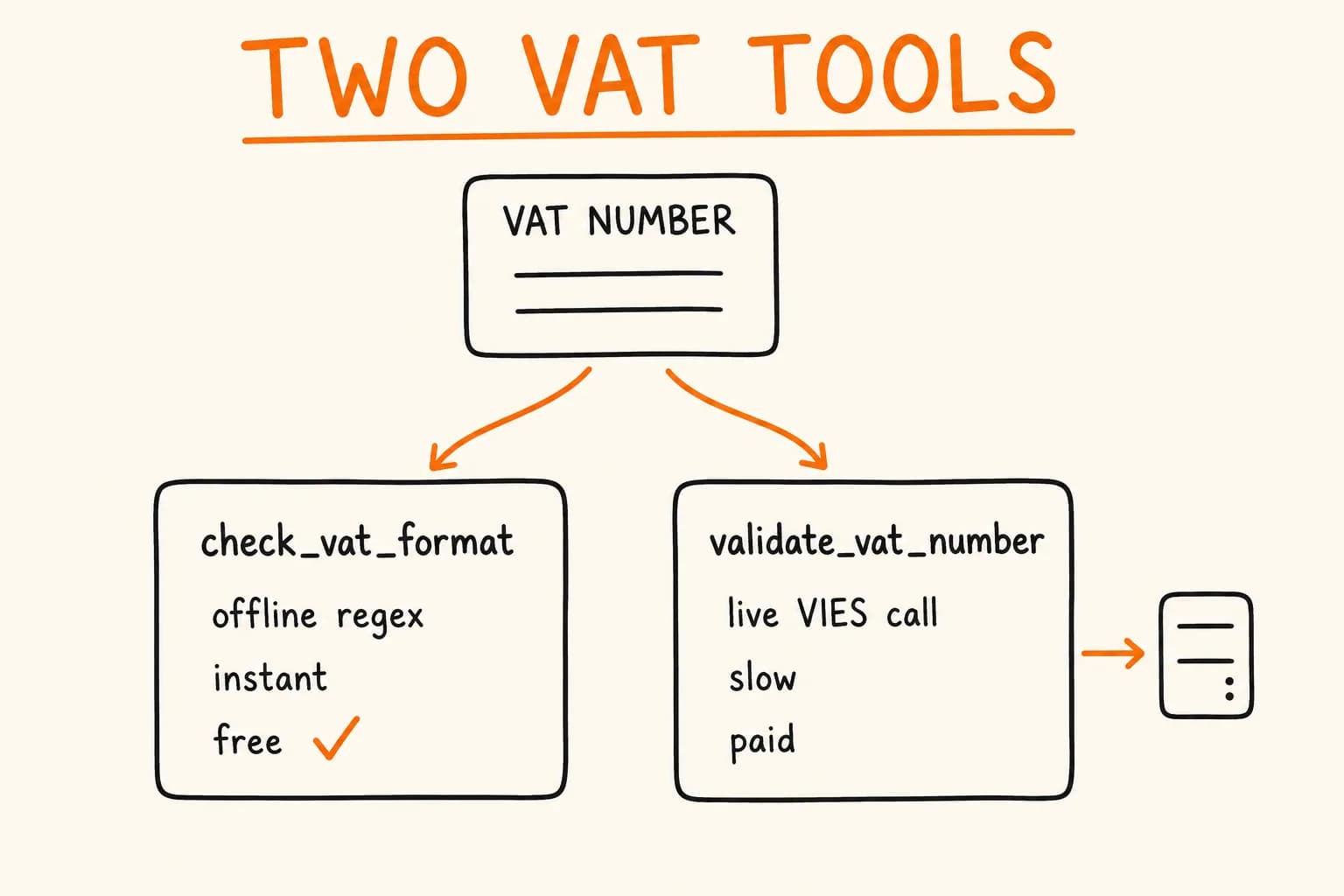
Ask an AI assistant ‘is IE6388047V a valid VAT number’ and there are two honest ways to answer it. One is instant and free: check whether the string has the shape an Irish VAT number is supposed to have, the right prefix, the right length, the right character pattern. The other is slower and costs money: call the EU’s VIES registry, ask it to confirm the number is actually registered, and get back the company name behind it. Both are correct answers to slightly different questions. vatnode-mcp is the official MCP server for vatnode, a VAT-validation SaaS, and building it meant deciding early whether an AI agent should see those as one tool or two.
I built it as two: check_vat_format and validate_vat_number. The split is an API design question that MCP happens to make unusually visible: every tool competes for a place in a model’s decision about what to call next.
The Tempting Wrong Design
The tempting version of this server has one tool: validate_vat_number. It takes a VAT number, tries VIES first, and if VIES is unreachable or the format is obviously wrong, falls back to a regex check and says so. One tool, one mental model for the caller, no naming to think about.
It’s also wrong, for a reason that has nothing to do with MCP specifically. Format checking and registry validation have opposite cost profiles, and a caller might want either one on its own:
- Format checking is a regex against a known pattern per country. It’s deterministic, it runs in microseconds, it has no external dependency, and it cannot fail in a way that isn’t a bug in the regex itself. It’s also not proof of anything. As I’ve written about validating VAT numbers server-side, a correctly formatted number can still be deregistered, so format checking and VIES verification answer different questions even when they’re checking the same string.
- Registry validation is a live network call to VIES, the EU’s own lookup service. It’s stateful in the sense that VIES’s answer can change over time (a company deregisters, a number gets reassigned), it’s rate-limited, and it can simply be down or slow, because it’s someone else’s infrastructure, not yours.
Collapse those into one tool that ‘tries the real thing and falls back,’ and every caller who only wanted the cheap, instant answer pays for the expensive one anyway. They get the latency of a VIES round trip and the new failure mode of VIES being unreachable, on every call, whether or not they asked for it. A form field validating a VAT number as the user types doesn’t need to know whether a real Irish company is behind IE6388047V. It needs to know, in under a millisecond, whether what’s typed so far is shaped like a valid VAT number, so it can turn a warning icon off. Sending that keystroke to VIES is slower, and it occasionally fails for a reason that has nothing to do with the question being asked.
The reverse failure mode is just as real. An agent confirming a supplier’s VAT number for an invoice needs the live answer: getting it wrong there is an accounting and audit problem, not a UI nicety. If the same tool silently degrades to ‘well, VIES was slow, but the format looks right’ and reports that as success, the caller gets a weaker answer than they asked for, without knowing it’s weaker.
Two Tools, Free and Paid, on Purpose
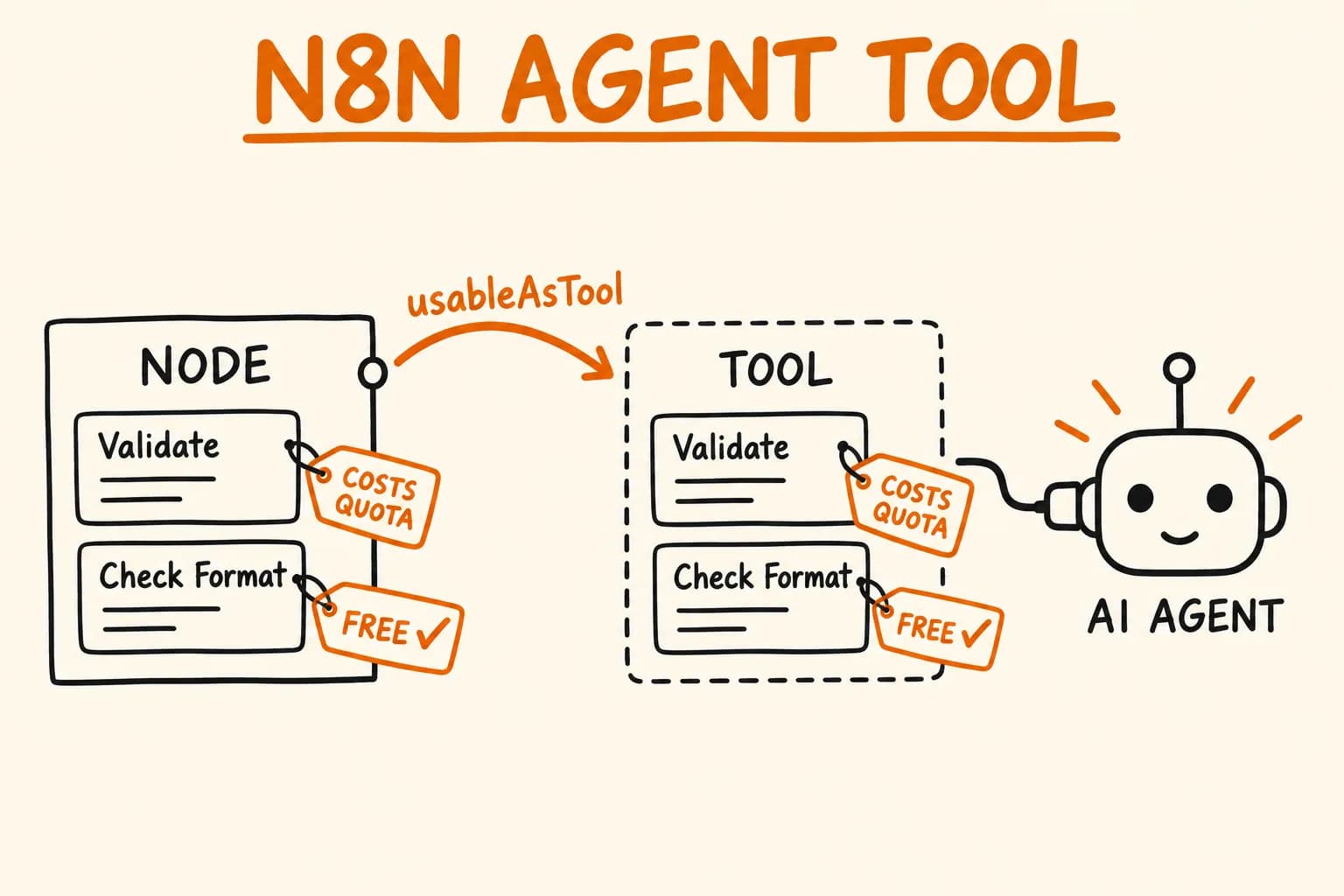
The actual server ships five tools, and the free/paid boundary runs along exactly this line:
| Tool | Free | What it does |
|---|---|---|
check_vat_format | yes | Offline syntactic check of a VAT number against the country’s regex |
get_country_vat_rates | yes | Standard / reduced / super-reduced / parking rates for one country |
list_eu_vat_rates | yes | All 27 EU member states plus XI (Northern Ireland) at once |
list_supported_countries | yes | All 45 supported countries, and which support full VIES validation |
validate_vat_number | requires an API key | Live VIES lookup – validity, company name, address, registration date |
The four free tools run fully offline, backed by the bundled eu-vat-rates-data npm package, which the project’s README states is updated daily from the European Commission’s TEDB (Taxes in Europe Database). No account, no key, no network call: the same regex-and-lookup-table operation whether it runs once or a million times. validate_vat_number is the one tool that leaves the process: it needs a vatnode API key and makes a real request against VIES, which is why it’s the one that’s metered.
Offline and deterministic on one side, live and fallible on the other: that boundary is the reason the tools are separate at all. If format checking and registry validation had the same cost and the same failure modes, merging them into one smarter tool would be a reasonable simplification. They don’t, so merging them would hide the tradeoff instead of removing it.
The MCP-Specific Wrinkle: Descriptions Are Prompts, Not Docs
Splitting the tool solves the cost problem. It creates a smaller, MCP-specific one: with check_vat_format and validate_vat_number sitting next to each other in a tool list, an LLM deciding which one to call is reading names that are easy to confuse. The description field on an MCP tool isn’t documentation a human reads later – it’s the input the model reads at the moment it decides which tool to invoke. Get it wrong and the model reaches for the cheaper tool when the user actually wanted proof.
The two descriptions do the routing between themselves. check_vat_format’s description says what the tool does, then what it doesn’t do, and names the other tool as the correction:
description: "Performs an offline syntactic check of a VAT number against the country-specific regex pattern. " +
  "Read-only and offline: no network call, no API key, no rate limit, no side effects. " +
  "Does NOT verify the VAT with VIES (a valid format does not mean the VAT is real or active) — use validate_vat_number for that. " +
  "Output: { input, normalized, countryCode, validFormat (boolean), error }; countryCode is null when the prefix is unknown. " +
"Use when the user wants a quick sanity check on the shape of a VAT ID without burning a quota call. Free, no API key required.";validate_vat_number’s description mirrors it – what it returns, when to reach for it, and what it costs:
description: "Verifies an EU VAT number against the official VIES service and returns validity, company name, address, registration date and other metadata. " +
  "The audit-grade VIES consultation number (`consultationNumber`) is produced when a requester VAT is configured once in the vatnode dashboard Settings — a one-time account setup, not a per-call parameter. " +
  "With a requester configured, every response is either a success with a non-null `consultationNumber` or an error; without one, `consultationNumber` is null and national-registry fallback stays enabled. " +
  "Use whenever the user wants to confirm a VAT is real, look up the company behind a VAT, or needs evidence for accounting/compliance. " +
  "Side effects: makes an authenticated network call to api.vatnode.dev (which queries the EU VIES service) and consumes one request from your monthly quota; it is read-only (verifies, never mutates) and safe to retry. " +
"Requires a vatnode API key (free tier available; set VATNODE_API_KEY). Only EU-27 + XI (Northern Ireland) are supported by VIES; other countries return an error.";check_vat_format’s explicit ‘Does NOT verify… use validate_vat_number for that’ is a cross-reference that tells the model exactly when it’s reaching for the wrong tool. validate_vat_number’s ‘Use whenever the user wants to confirm a VAT is real… or needs evidence for accounting/compliance’ tells it the opposite: when the cheap answer isn’t good enough. That’s what routes the model correctly between the free tool and the paid one when a user’s phrasing doesn’t spell out which one they mean.
Where This Pays Off, and Where It’s Overkill
Splitting an operation into two tools by cost and failure mode is worth doing when the two versions genuinely have different callers with different needs: a fast path used constantly, and a slow, expensive, occasionally-unavailable path used deliberately. That’s true here. A form validating input as someone types and an accountant confirming a supplier before filing VAT are not the same caller, even when the underlying string is the same VAT number.
It’s not worth doing when the ‘cheap’ version and the ‘expensive’ version would always be called together anyway, or when the API only has one real caller who always wants the strongest answer regardless of cost. Splitting a rarely-called internal endpoint into two tools just to mirror this pattern is complexity without a payoff. Nobody is choosing between fast-and-cheap and slow-and-certain if there’s only ever one path through the code. The split earns its keep specifically because format checking and registry validation have different cost profiles and different, real callers who want one but not the other.
None of this is specific to MCP. It’s the same design question that shows up any time an API bundles a fast, local check and a slow, external one behind a single endpoint: a search box that debounces client-side validation separately from a server-side uniqueness check, a signup form that validates email shape before it ever sends a confirmation email. MCP just makes the cost of getting it wrong more visible, because the caller deciding which tool to use is a model reading a description, not a developer reading documentation and making a judgment call.
Building an API – or an MCP server on top of one you already run – where different callers need different tradeoffs between speed and certainty is design work you do up front. If that’s the stage your integration is at, get in touch and let’s work out where the boundaries should sit before they’re baked into every caller’s expectations.
Further reading:
- vatnode-mcp – Official MCP Server for EU VAT Validation – the full case study, including the npm Trusted Publishing pipeline and the stdio smoke-test setup
- EU VAT Number Validation in Next.js (VIES API Tutorial) – the server-side version of the same format-vs-VIES distinction, with caching and audit logging