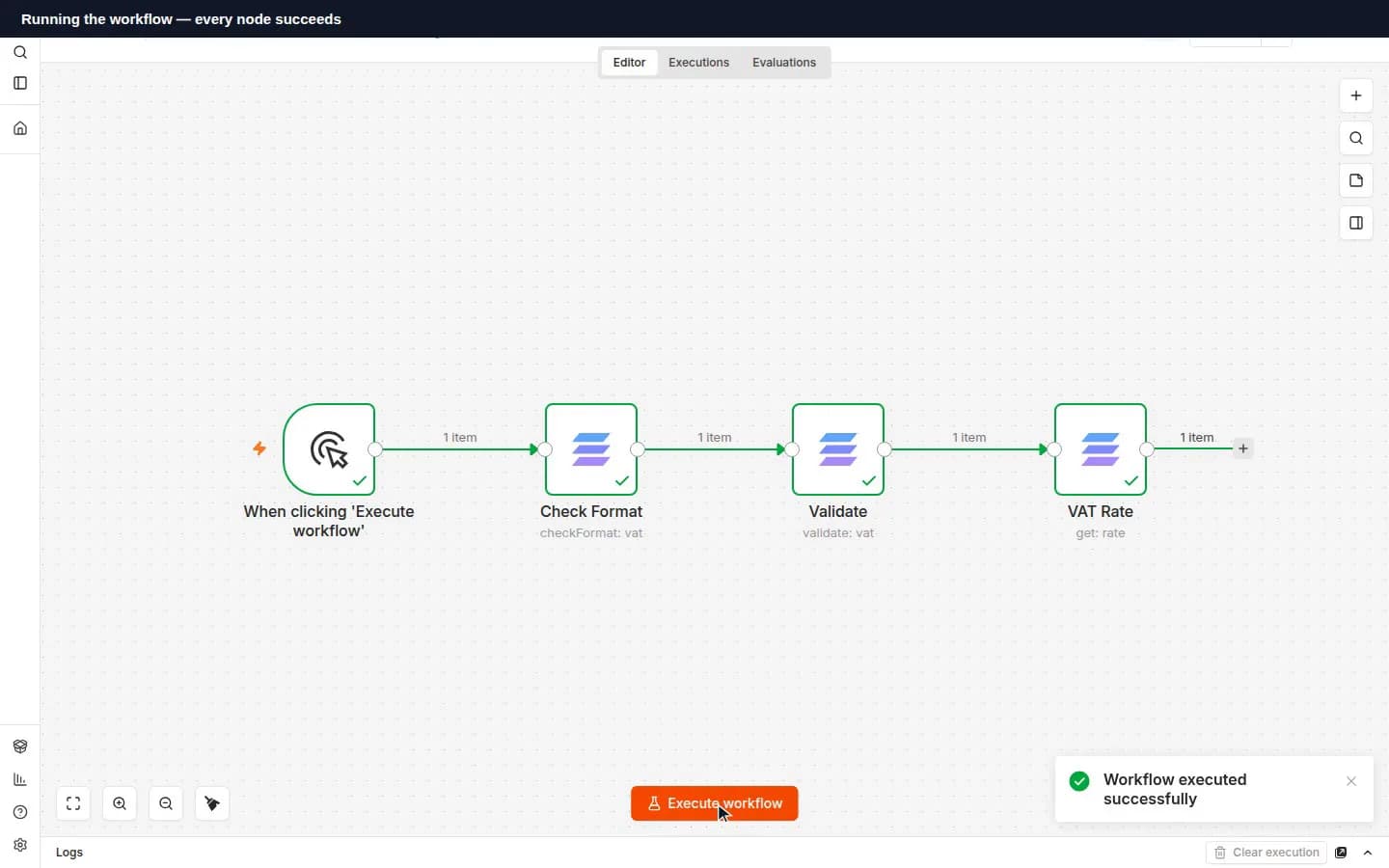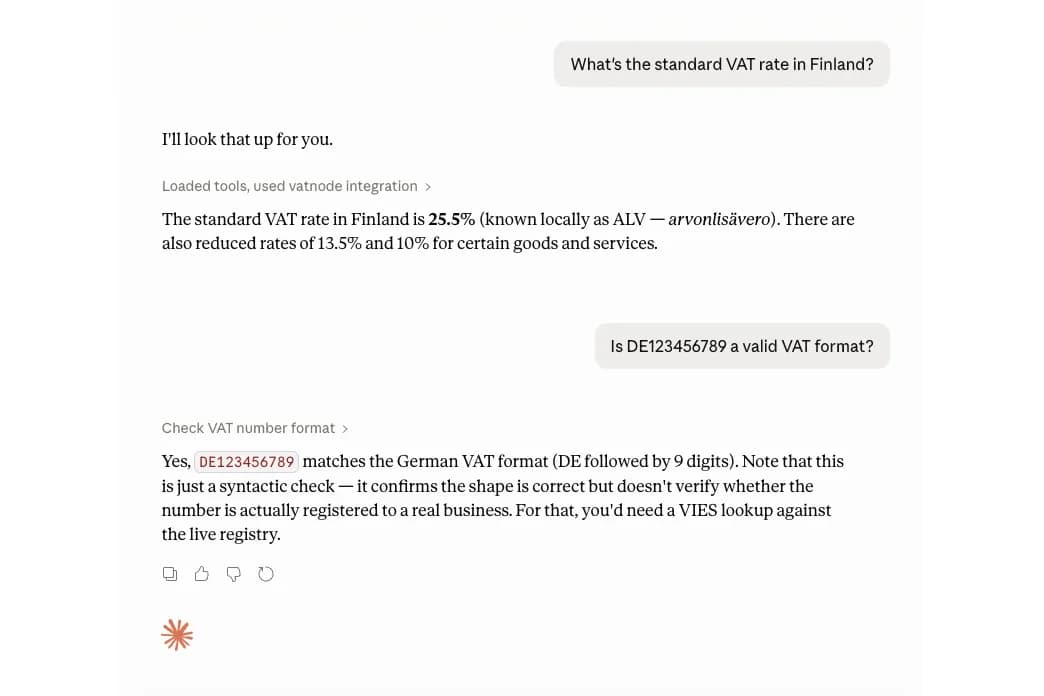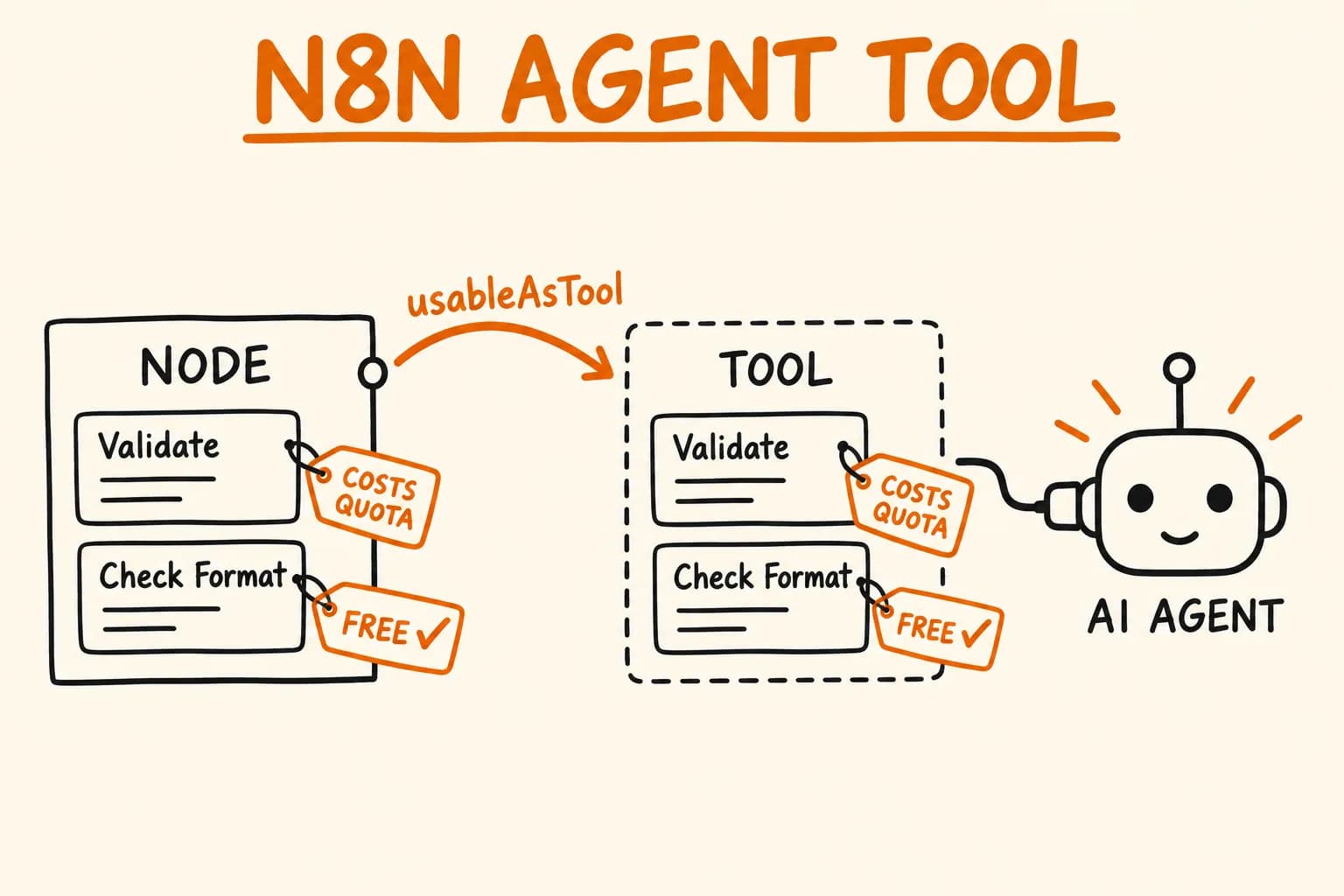
I published n8n-nodes-vatnode, a verified n8n community node for EU VAT validation. One line in the node class, usableAsTool: true, also makes n8n generate an agent-facing Tool variant of it. That line is easy to add and easy to under-think, because it changes who reads your code. In a normal node the reader is a person looking at a canvas. In the tool variant, the reader of your descriptions is a model.
This article is about two things: what that flag does, as far as the types and n8n’s loader code show, and what the path to a verified node looks like when you build for it from the start. One limit up front: I have not run this node inside an agent or evaluated what an agent does with it. This covers how the tool variant is built, not agent behaviour.
What the Flag Does
usableAsTool is not described on the docs pages I checked (node base files, file structure, verification guidelines, submission). The evidence is elsewhere:
- The
n8n-workflowtypes declareusableAsTool?: true | UsableAsToolDescription, commented as ‘whether the node will be wrapped for tool-use by AI Agents’. - The
@n8n/node-clitemplate guide says to set it totrueto allow use as an agent tool, and to leave it off if the node works heavily with binary data, which tools don’t support. - In n8n’s source,
createAiTools(packages/cli/src/tool-generation/ai-tools.ts) takes every node with a truthyusableAsTooland builds a copy:Toolappended to the name, inputs cleared, the output set toAiTool. It injects a requiredtoolDescriptionstring parameter that defaults to the node’s description. If the node has a resource or operation property, it also adds adescriptionTypeoption, automatic or manual. Credentials are copied across.
The code I read has no condition on whether the node is built in or a community package. I have not checked every code path that could add one, and I did not verify that the Tool variant is available on a given instance; that may depend on its configuration.
The text a model sees comes from strings you wrote for a human dropdown: the node description, each operation’s description and action, each parameter’s description. Those strings are now your tool contract. I haven’t verified how the automatic description type composes them, so I treat all of them as if they will be read.
Designing Operations for a Reader That Can Spend Money
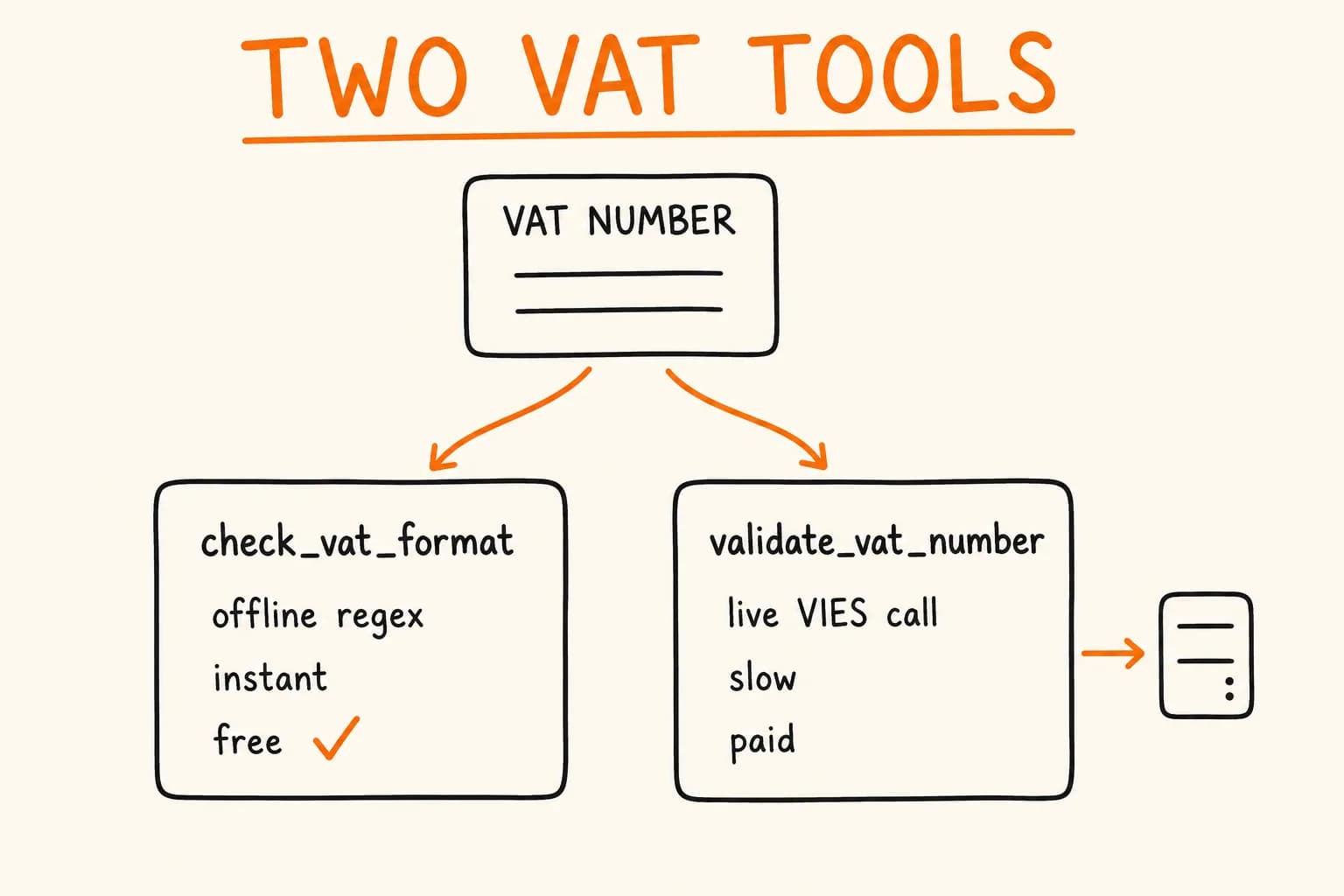
The node has two resources and four operations. Two of them are the interesting pair, because they answer the same question at different prices:
options: [
  {
    name: 'Validate',
    value: 'validate',
    description:
      'Verify a VAT number against the official EU VIES register. Requires an API key and spends one request from your quota.',
    action: 'Validate a VAT number',
  },
  {
    name: 'Check Format',
    value: 'checkFormat',
    description:
      'Check a VAT number against its country pattern. Runs offline: no API key, no network call, no quota.',
    action: 'Check the format of a VAT number',
  },
],
Cost is written into the description, in plain words, on each operation. A person scanning the dropdown benefits. So does anything choosing between the two from text alone. I did the same split in the MCP server for the same API, for the same reason: a caller who only needs a cheap answer shouldn’t be pushed toward the expensive one.
This is a mitigation, not a guarantee. A tool variant of a quota-spending operation exposes a quota-spending operation to an agent. What I did is state the cost where the model reads it, and make the free path complete on its own: the credential is only required for validate, so Check Format and both rate operations work with no key attached.
credentials: [
  {
    name: 'vatnodeApi',
    required: true,
    displayOptions: {
      show: { resource: ['vat'], operation: ['validate'] },
    },
  },
],
The node-level description is Validate EU VAT numbers against VIES and look up EU VAT rates, which says nothing about cost. The default toolDescription is that string. If you ship a spending operation, check what your default tool description actually says, and consider whether it should say more. I have not tested which of these strings a model weighs.
Errors a Reader Can Act On
A tool call that fails with a stack trace gives a model nothing to correct. Two small decisions apply to people and models alike.
First, parameters typed as strings are not always strings. An expression like {{ $json.vatId }} resolves to undefined on an item without that field:
function toStringParam(value: unknown): string {
  return value === undefined || value === null ? "" : String(value);
}
In Validate, the empty string then hits an explicit check and throws The VAT number is empty, which is a message the caller can act on, instead of a TypeError from .toUpperCase().
Second, input errors and upstream errors are different types, and the loop isolates failures per item:
} catch (error) {
  if (this.continueOnFail()) {
    returnData.push({
      json: { error: (error as Error).message },
      pairedItem: { item: i },
    });
    continue;
  }
  // Input problems are ours, not the API's – keep them out of NodeApiError.
  if (error instanceof NodeOperationError) {
    throw new NodeOperationError(this.getNode(), error.message, { itemIndex: i });
  }
  throw new NodeApiError(this.getNode(), error as JsonObject, { itemIndex: i });
}
pairedItem keeps the link from each output to its input row. The NodeOperationError versus NodeApiError split tells the user whether their input or the upstream failed.
One more cost detail, in the credential. n8n runs the credential test when you save or test a credential, so a test that validates a real number spends quota each time. The test sends the reserved number XX0000001 instead:
// XX0000001 is the reserved test VAT number: it never reaches VIES and never
// spends quota, so the test only proves that the key is accepted.
test: ICredentialTestRequest = {
  request: { baseURL: "https://api.vatnode.dev", url: "/v1/vat/XX0000001" },
  rules: [
    { type: "responseCode", properties: { value: 401, message: "The vatnode API key is invalid" } },
    {
      type: "responseCode",
      properties: {
        value: 403,
        message: "This vatnode API key is not allowed to validate VAT numbers",
      },
    },
  ],
};
The Verification Path
Verification is a review by n8n, and what it checks is public in the submission and verification guidelines pages. The ones that shaped this build:
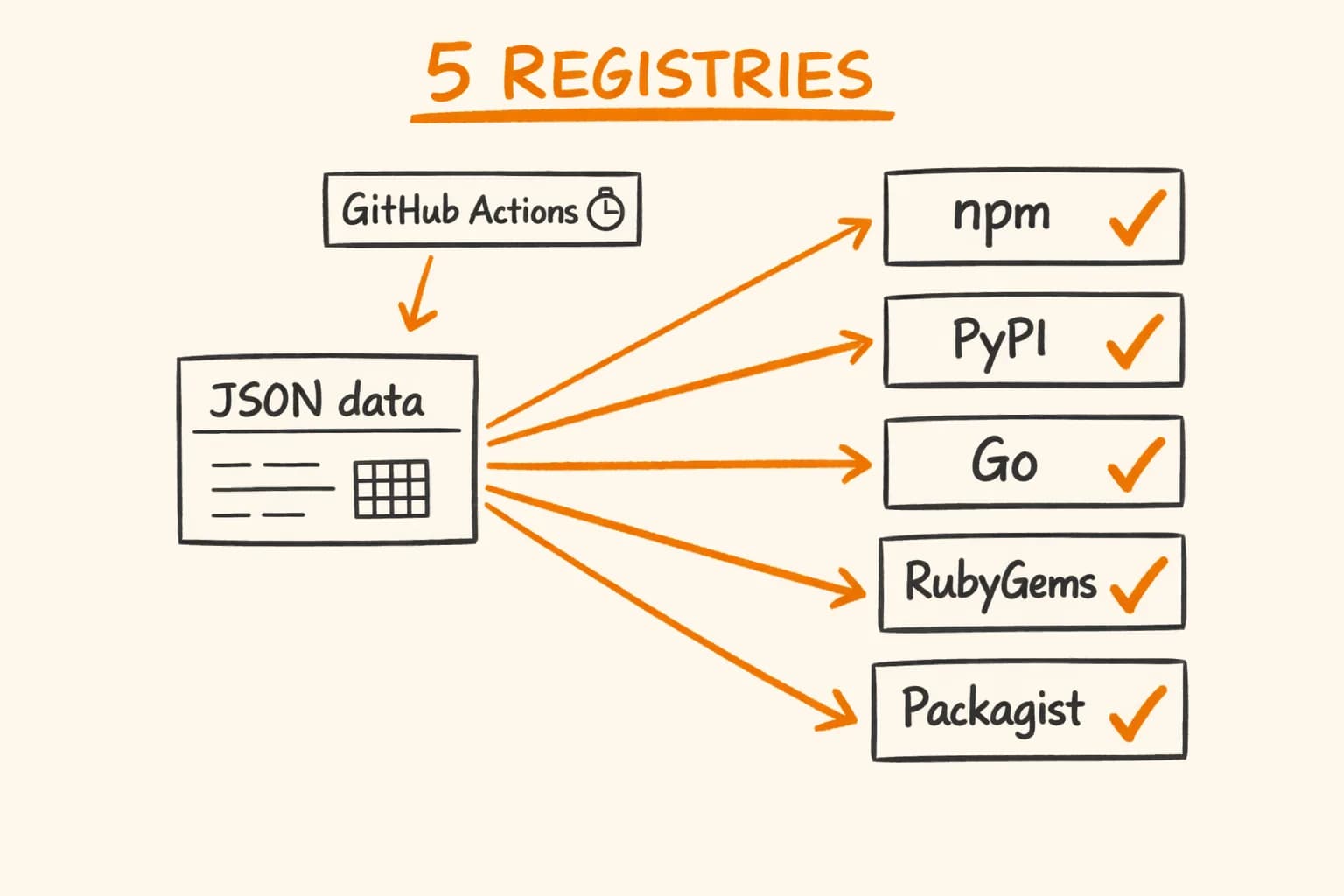
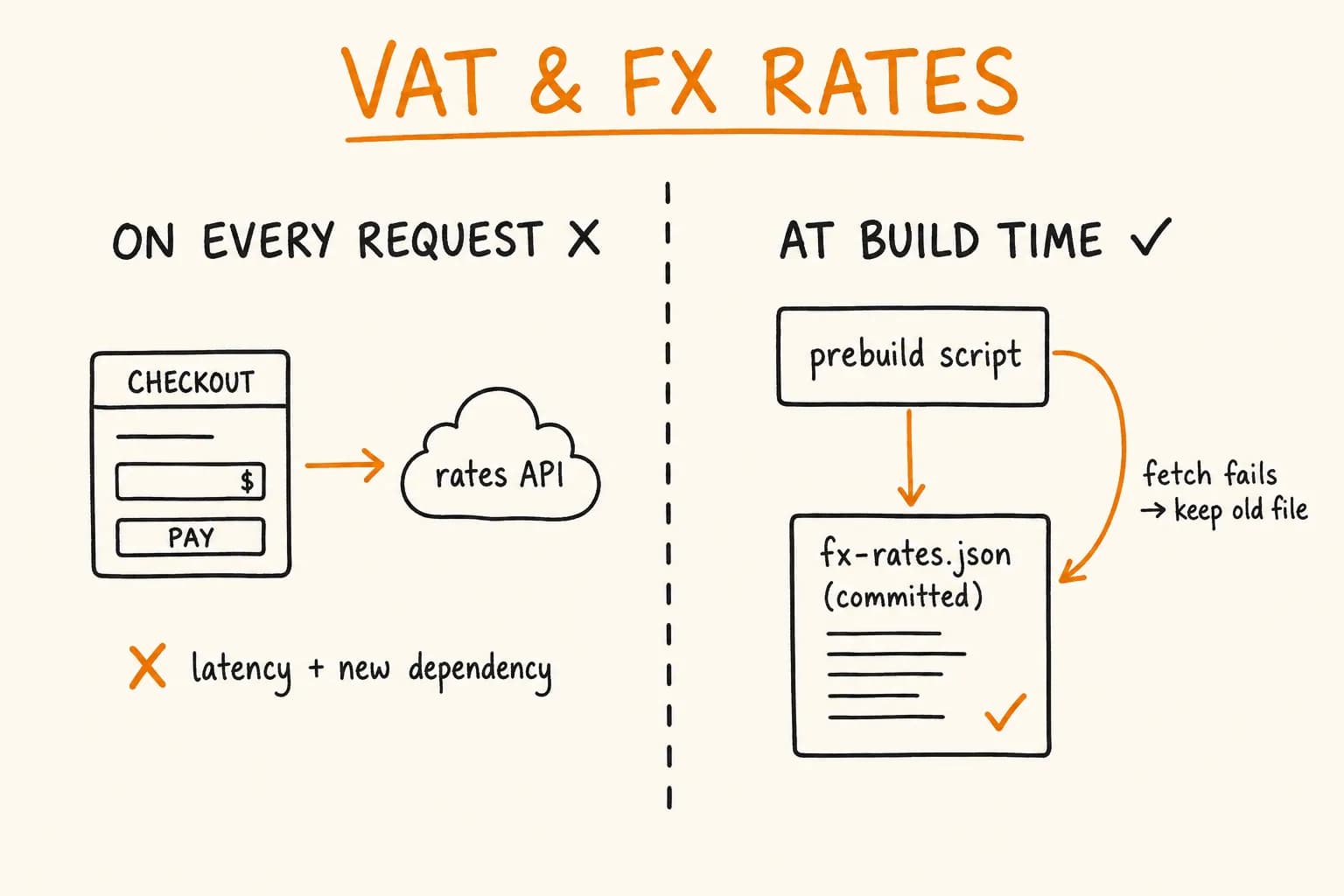
- No runtime dependencies. The format check needs a pattern per country. Hardcoding a pattern for each of 45 countries (plus an EL alias for Greece) creates a second source of truth, and a dependency is not allowed. So
eu-vat-rates-datais adevDependency, andscripts/generate-patterns.mjswrites the patterns intocountries.generated.tsat build time. The published package carries the patterns and nothing to install. The only other dependency,n8n-workflow, is a peer dependency. - One service per package, MIT license, matching repo and author. The npm repository URL has to point at the public GitHub repo, and the author has to match.
- Scaffolded with
n8n-node. Strongly suggested rather than required. The scaffold gives you the lint rules, the release script and then8nblock inpackage.json, including"strict": true. - Provenance from GitHub Actions. From 1 May 2026, n8n does not accept verified nodes published from a local machine. The publish workflow runs on a version tag, with the permissions it needs and no more:
on:
  push:
    tags: ["*.*.*", "v*.*.*"]
jobs:
  publish:
    runs-on: ubuntu-latest
    permissions:
      id-token: write
      contents: read
The workflow publishes from GitHub Actions with npm provenance. The first release used a granular npm token; from the second release the package has been published through npm Trusted Publishing. publishConfig.provenance is true. Releases need @n8n/node-cli 0.23.0 or later.
- A README with usage, authentication details and example workflows. The repo ships three importable templates: validating a number from a form, deciding reverse charge before invoicing, and re-checking customer numbers on a schedule.
- Submission through the n8n Creator Portal. The review applies to the version you submit.
Limits and Trade-offs
- Verification is a review, and review can reject. n8n’s page says it may reject nodes that compete with its paid features. Build the checklist in, but don’t plan a launch around the outcome.
- The no-dependencies rule is a real constraint. Anything you’d normally import has to be generated, inlined or written. For patterns, generation works. For something like a parsing library it may not.
usableAsToolputs your node in front of a caller you can’t see. For a read-only free operation that’s harmless. For a spending or destructive one, the description is the only guard in this design. I haven’t evaluated whether it’s enough.- The flag is wrong for nodes that work heavily with binary data, per the template guide.
What to Check Before You Submit
- Package name is
n8n-nodes-*or@scope/n8n-nodes-*, with then8n-community-node-packagekeyword. - Nodes and credentials are listed in the
n8nattribute ofpackage.json. npm run lintpasses, andnpx @n8n/scan-community-package n8n-nodes-yourpackageis clean.- No runtime dependencies. Generate at build time what you need.
- MIT license; repository URL and author match the public GitHub repo.
- Published by a GitHub Actions workflow with provenance, not from your laptop.
- Every operation and parameter has a
descriptionwritten for a reader who can’t ask a follow-up, and operations that cost something say so. - Empty and missing inputs produce readable errors;
continueOnFailandpairedItemare handled. - The credential test does not spend anything.
- The README has usage, auth and example workflows.
Who This Is For
If you’re building a node for your own API, the points above are the checklist I’d want. If you only need your tool or API to appear as a working step in n8n, you don’t need to learn any of this.
If you have an API that should be a step in n8n, or exposed to an AI agent as a tool with its cost stated plainly, get in touch – that is API integration work.
Further reading:
- n8n VAT validation node – project page – what the node does and how it was released
- Building an MCP Server for VAT Validation: Why It’s Two Tools, Not One – the same free-versus-spending split in a different agent interface
- Caching VAT and FX Rates at Build Time, Not on the Request Path – the build-time data idea in another setting
- n8n: submit community nodes
- n8n: verification guidelines