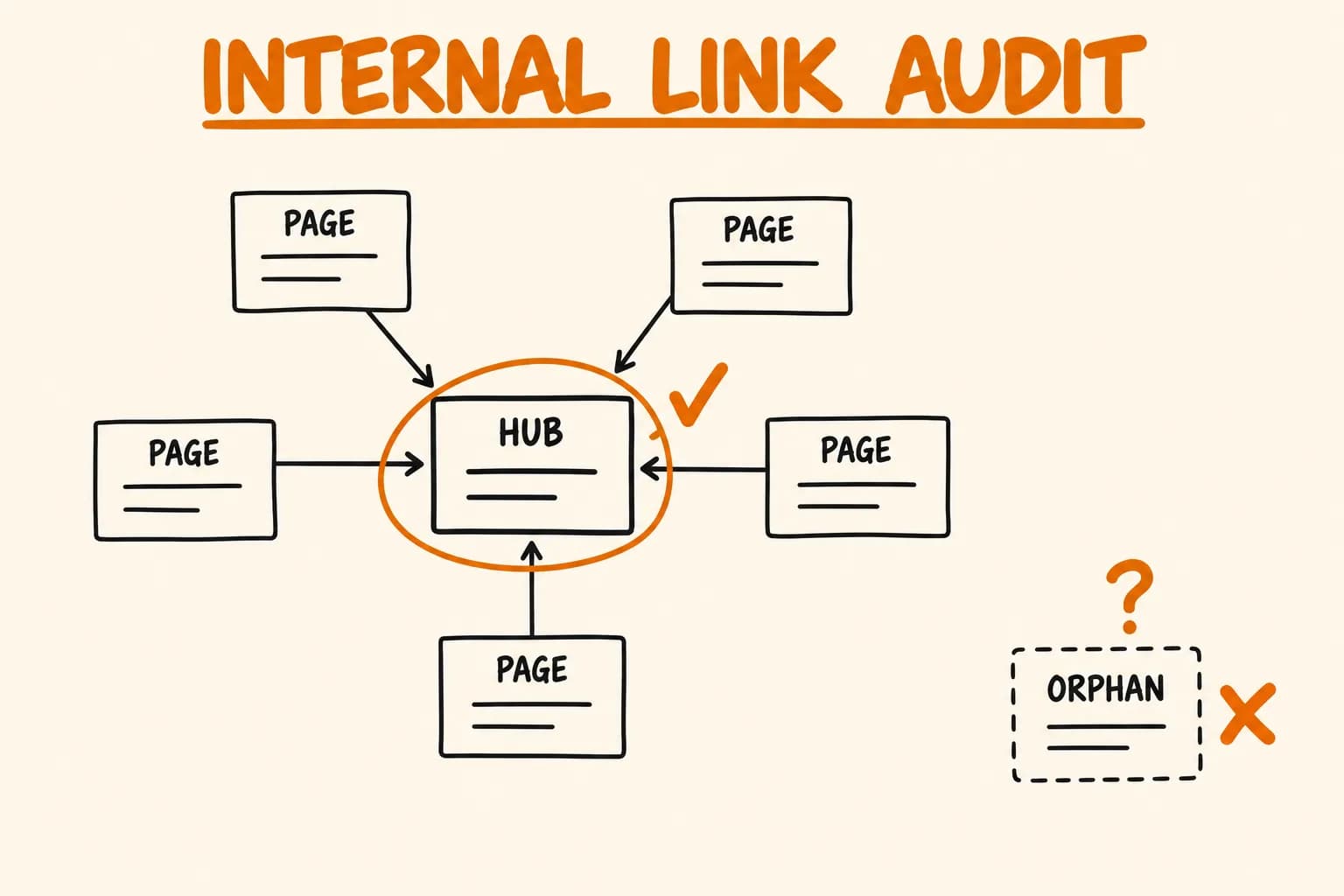
An internal link audit shows which pages your own links favour, and a PageRank-style calculation on a crawl of your site turns that into a number. Crawl the site, split each page’s links into nav, footer and content, cap the weight of sitewide links, run PageRank with damping 0.85, then read three things: pages with no inbound links, the ranked list of pages that sit outside nav and footer (whose low end shows the weakly supported ones, and you decide which of those matter), and broken targets with the pages that link to them. The result describes your link structure. It is not Google’s ranking and predicts nothing about traffic.
I wrote a small crawler and a PageRank-style script for a Next.js and Stripe store whose analytics I built. Below is how it works, the code that matters, what it printed on a real crawl, and a full section on where it stops being useful. The weights and thresholds are my choices, and I say so each time.
What this internal link audit answers (and what it does not)
The script answers three questions:
- Which pages have no inbound link at all? A crawler that follows links cannot reach them, which limits this answer (see Orphans under Reading the output). A page that only a sitemap lists is a reason to ask whether it should exist, not proof that it hurts anything.
- Which pages outside the header and footer get little link support? The script ranks them; which of them are important is your judgment, because the code has no notion of importance.
- Which links point at dead targets, and which pages carry them?
It does not answer which page Google prefers. The score is a model of the site’s own link graph, computed from a crawl, with weights I picked. Google’s documentation does not specify how it treats header, footer and body links, and I do not claim these numbers match anything on its side. They are a way to read the structure, nothing more.
This is a script you run on your own site. A written technical SEO and GEO audit of a whole site (crawlability, indexing, broken links, schema) is a different job. I come back to that at the end.
Crawl the site and bucket the links
crawl.ts runs against a local instance of the site (http://localhost:3003 in my setup), not production, so it does not touch the live server. It fetches each page, parses the HTML with cheerio and records every internal link in one of three buckets:
- nav: links inside
<header>or<nav> - footer: links inside the site’s own
<footer> - content: every other link
The footer rule has one subtlety. Cards and review bylines often use a <footer> element inside <main> or <article>. Those are not site chrome, so the crawler checks ancestors:
// Site chrome only: a <footer> nested inside <main>/<article> is a card footer
// (review byline, product card), not sitewide chrome.
const isChromeFooter = (node: ReturnType<typeof $>) =>
  node.parents("footer").length > 0 && node.parents("main, article").length === 0;
Footer links are collected first. Many sites put <nav> blocks inside the footer for sitemap groups, and those belong in the footer bucket, not the nav bucket. The reverse case goes the other way: a <nav> inside <main>, such as breadcrumbs or a table of contents, lands in the nav bucket and gets the nav budget.
Deduplication is per bucket, per page. The same URL can be in the footer and also linked in the body text, and those are two different edges that deserve different weights. A single seen-set shared by all buckets, with the footer collected first, would drop every in-content link to a footer-listed page.
Along the way the crawler records, for each page, the title, noindex (from the robots meta tag) and whether rel="canonical" points to a different path. Redirects are not followed and are skipped. Any target that returns a 4xx or 5xx status, or fails to fetch at all (status 0, printed as ERR), goes to broken.json together with the pages that linked to it. Redirects are not reported there. The analysis later drops noindex and non-canonical pages from the ranking, because they are not pages you want ranked.
One scope option matters for multilingual sites: --locale=en starts at /en/ and ignores links outside that prefix. My example crawl used the English version only.
Why sitewide links need a budget
A header link appears on every page. If every one of those occurrences counted as a full link, the nav targets would dominate the graph, and the picture of everything else would be washed out. So the script gives nav and footer links a fixed budget instead of a weight per occurrence:
const NAV_BUDGET = 2.0;
const FOOTER_BUDGET = 1.5;
const CONTENT_WEIGHT = 1.0;

const SITEWIDE_THRESHOLD = 0.5;
A nav or footer link’s edge weight is its budget divided by the number of pages that carry that link in that bucket. A target in the footer of 172 pages gets about 1.5 / 172, roughly 0.009 per edge, against 1.0 for every content link. Adding the link to one more page does not raise the total: the combined edge weight of that link stays at the budget, so each edge carries less. Content links keep weight 1.0.
Two more rules from analyze.ts:
- Per source page, the maximum weight per target is used, not the sum. A link present in the nav and also in the body counts once, at the higher of the two weights.
- A link counts as sitewide when it appears on at least 50% of the pages of the same locale. Measured against a multi-language crawl as a whole, a German nav link would sit on about 1/28 of the pages and never be flagged, so detection is per locale.
The numbers 2.0, 1.5, 1.0 and 0.5 are my choices. I wanted the header to count a bit more than the footer, both far less than a deliberate editorial link, and I wanted the cap to be explicit rather than hidden in a library default. If you disagree, they are constants at the top of the file. The excerpts in this article are from the script itself.
The PageRank loop
The calculation is the classic power iteration. Every page starts with 1 / N. In each round, a page passes damping × its rank to the pages it links to, in proportion to the edge weights, and every page also receives a flat (1 − damping) / N.
Damping 0.85 means assuming that a reader follows a link 85% of the time and jumps to a random page the other 15%. It also stops rank from pooling forever in loops of pages that only link to each other. Pages with no outgoing edges (dangling pages) would leak rank, so their rank is spread uniformly over all pages.
for (let iter = 0; iter < MAX_ITER; iter++) {
  const next = new Array(N).fill((1 - DAMPING) / N);

  for (let i = 0; i < N; i++) {
    const edges = out[i];
    if (edges.length === 0) {
      const share = (DAMPING * pr[i]) / N;
      for (let j = 0; j < N; j++) next[j] += share;
    } else {
      const totalWeight = edges.reduce((s, [, w]) => s + w, 0);
      for (const [j, w] of edges) {
        next[j] += (DAMPING * pr[i] * w) / totalWeight;
      }
    }
  }

  const delta = pr.reduce((acc, v, i) => acc + Math.abs(next[i] - v), 0);
  pr = next;
  if (delta < EPSILON) {
    console.log(`PageRank converged in ${iter + 1} iterations`);
    break;
  }
}
Each source’s outgoing weights are normalised by their sum, so a page with ten content links gives each a tenth of its passed rank, whether the weights are 1.0 or smaller. The limits are MAX_ITER = 200 and EPSILON = 1e-7, compared against the summed absolute change between rounds. On the crawl below it converged in 51 iterations. The scores sum to 1 across the pages, so they are shares within this model, not strengths on any absolute scale.
Reading the output
analyze.ts prints three lists and writes a report.csv.
Top by PageRank. One row per page: rank, PR, weighted and raw inbound count, depth, and whether the page is sitewide in nav or footer. Depth is the click distance from the locale root, found by breadth-first search.
Money pages. The same ranking, filtered to pages that are not sitewide in nav or footer. The console prints only the top 15, in descending PR. The weakly supported pages are at the other end, so I read them in report.csv sorted ascending by PR or by inbound count. ‘Important’ is a human judgment, and the code has no filter for it. These pages have to earn their rank from contextual links, which is where weak link support becomes visible.
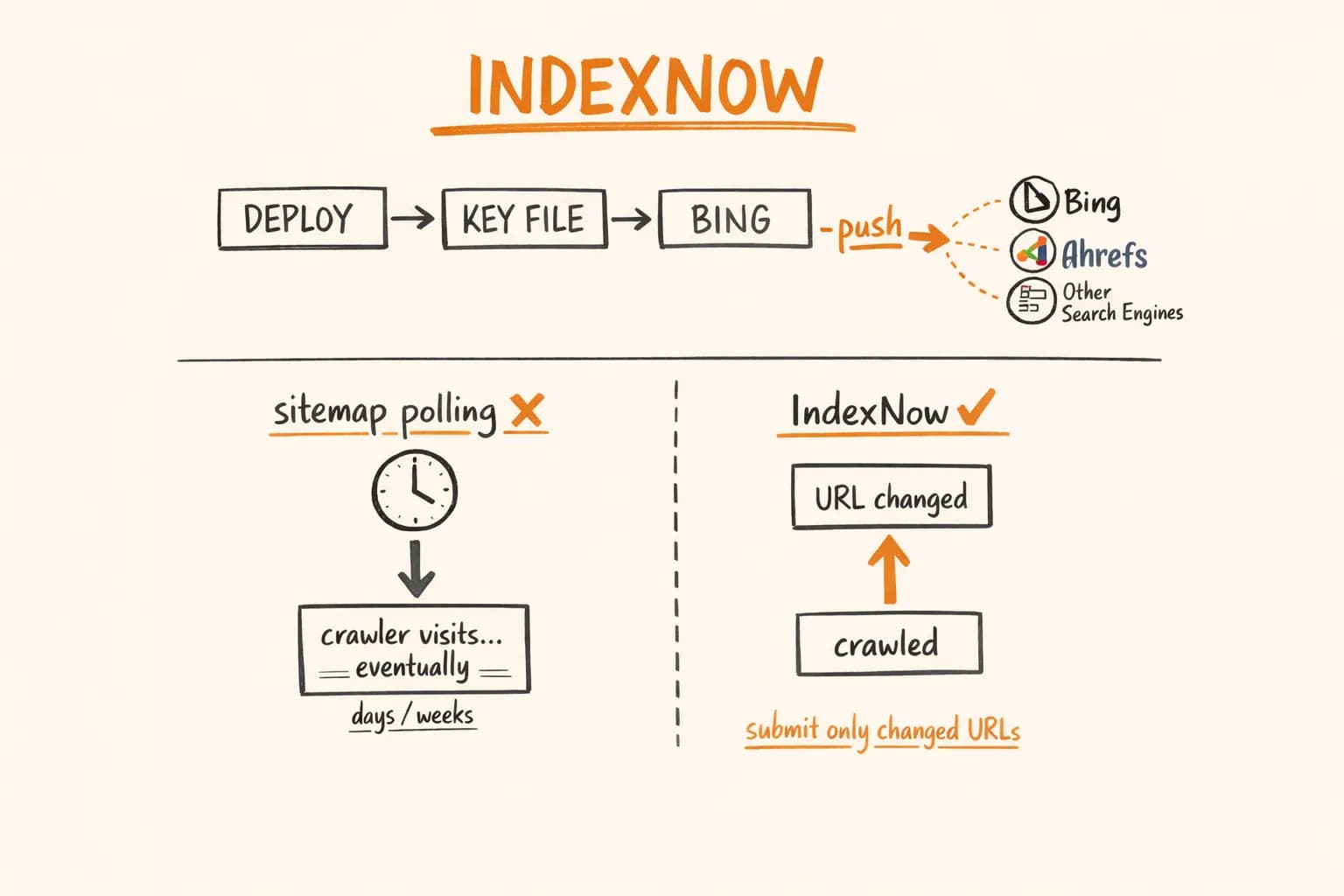
Orphans. Pages in the crawl with zero inbound links, locale roots excluded. A crawler only finds pages by following links, so this list is empty by construction, except for pages linked only from excluded (noindex or non-canonical) pages. Real orphans are found by diffing the crawled set against your sitemap or URL list, which this script does not do. The same limit is why IndexNow does not help an orphan: submitting a URL is not the same as giving it a path.
report.csv carries rank, url, pagerank, w_inbound, inbound, content_out, depth, in_nav, in_footer plus the title and keywords, so you can sort and filter in a spreadsheet.
Broken-link referrers. The crawl stores every 4xx, 5xx or failed target with the pages that link to it, so a dead link can be traced to the page you need to edit:
[
  {
    "url": "/en/old-page/",
    "status": 404,
    "referrers": ["/en/products/", "/en/blog/some-post/"]
  }
]
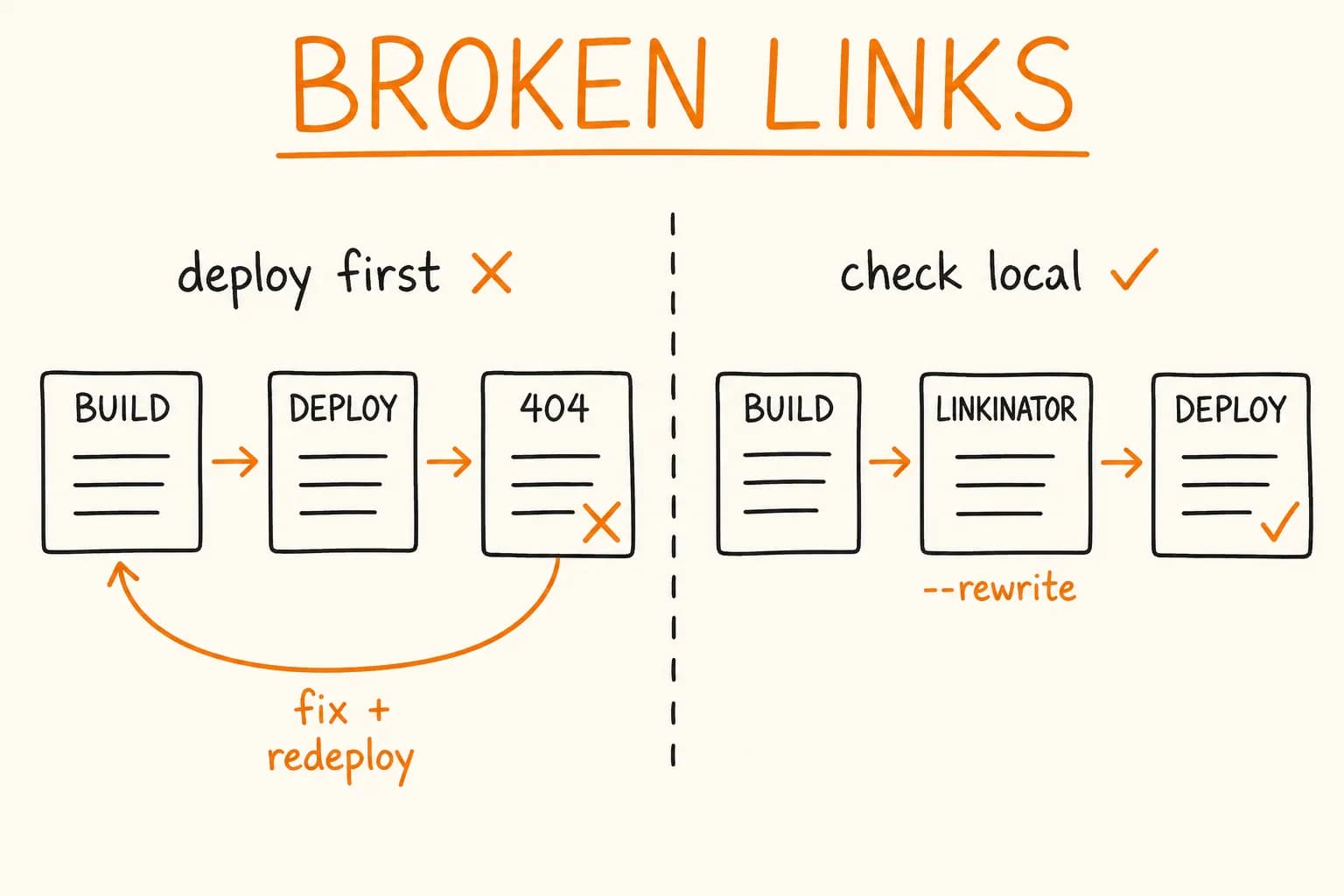
analyze.ts prints up to five referrers per broken target. That is the whole feature, and it is deliberately small. If you want broken links as a CI gate, with external-link false positives and URL rewriting handled, that is a different tool; I cover it in a linkinator tutorial for Next.js sites.
A worked example from a real crawl
The numbers below come from a crawl of 3 August 2026 of the English version of that store, taken against a local copy. I did not record which version of the crawler produced that stored file. I ran the current analyze.ts on it. Treat the numbers as an illustration of reading the output, not a measurement of the current code.
- 179 URLs loaded, 7 excluded as
noindexor non-canonical, 172 ranked. - 7 nav URLs and 22 footer URLs were detected as sitewide.
- Converged in 51 iterations. No dangling pages among the 172.
- No orphans listed, which by construction says little (see above).
broken.jsonwas empty.
The interesting rows are these:
| Page | PR | Inbound | Note |
|---|---|---|---|
/en/reviews/ | 0.0954 | 172 | footer on all pages, 9 content links |
/en/products/<category>/<model>/ (top) | 0.0758 | 44 | not in nav or footer, all content links |
/en/products/<category>/<model>/ (second) | 0.0669 | 31 | same |
| where-to-buy pages (28) | about 0.004–0.005 | 2–3 | content links only |
The mean over 172 pages is 1/172, about 0.0058. The product pages sit far above it without any nav or footer slot, because dozens of other pages link to them in the body text. The 28 per-country where-to-buy pages sit below the mean, with two or three inbound links each. I found them at the low end of report.csv, and they are the pages this model marks as thinly supported.
Whether they should rank higher is a business question, and the script cannot answer it. A where-to-buy page may be valuable to ten visitors a month and still be correctly placed. All the script tells you is that your link structure currently gives those pages little.
Check your top result before you trust the model
The page that ranked first was not the one I expected: /en/reviews/. A footer link on all 172 pages looks like the obvious explanation, but by the formula above that footer edge is tiny, about 0.009 each, against 1.0 per content link. So I checked the mechanism instead of telling a story about it.
What the numbers showed: the reviews page has 9 content links pointing to it, from pages including both top product pages, and the largest single contributions to its score were 0.0194 from the page itself, 0.0179 from the top product page and 0.0158 from the second. The model does not exclude self-links, and the page links to itself in its body, which is a weakness of the model. With 24 distinct outgoing targets and a total outgoing weight of 4.19, the self-link keeps about 24% of what the page passes on. So the high rank comes mostly from content links by high-ranked product pages plus a self-link, not from the footer budget.
That is the point of the check. A model produces a top result whether or not it is meaningful. If I had published ‘the footer makes the reviews page first’, I would have been wrong, and nothing in the output would have warned me. Print the inbound weights of whatever comes out on top, and if you cannot explain the result from them, fix the model or the story before acting on either.
What to do with the findings
For a page you judge important and find weakly supported, the fix is contextual links from relevant supporting pages: articles, guides, category and hub pages that genuinely talk about it. It is not a new slot in the header or footer. Navigation exists for what a visitor wants from any page. Using it as a rank lever is how a footer ends up with forty links that mean nothing to anyone. The script’s sitewide cap exists for the same reason: nav and footer links are deliberately kept from dominating the reading.
My working rule is that links flow from supporting pages to target pages. I keep target pages, the ones I want found, from sending links back out to supporting pages, so they do not leak weight, and I make the supporting pages the source. It is a rule of mine, not a law. Cross-links between products are normal, and in the sample the top product pages link to the reviews page.
For orphans, the first question is whether the page deserves to exist. If it does, find the page where a reader would expect to meet it and link from there. If it does not, remove it or redirect it. For broken links, fix the referrers the report lists. The manual version of this whole check is one item in a checklist of what to fix before an SEO company writes your content, and this script is the programmatic version.
Limits of the method
- It is not Google’s algorithm. It is a weighted link graph with PageRank’s update rule. The weights are my assumptions, not measured behaviour of any search engine.
- It predicts no traffic and no ranking. I did not compare these scores against any search result, and I make no claim that a higher score means better position.
- It sees only server-rendered links. The crawler reads HTML with cheerio. Links injected by client-side JavaScript are invisible to it, so a site that builds its navigation in the browser produces an almost empty graph.
- It is a snapshot. One crawl of one local instance at one moment. Content that changes by publication date or by feature flag changes the graph.
- It does not exclude self-links. A page that links to itself keeps part of its own outgoing weight, which inflated the reviews page above.
- Its orphan list is empty by construction. Finding real orphans needs a diff against the sitemap, which the script does not do.
- It excludes pages by design.
noindexand non-canonical pages are left out of the ranking, though their links still appear in the data. - Scope changes the answer. An English-only crawl and an all-locale crawl give different sitewide sets and different depths. Pick one on purpose and say which.
Who should not run this
- Sites under about 30 pages, or with an obviously flat structure. Open the nav and fix it by eye. The model adds nothing.
- Sites whose links come from client-side JavaScript. Use a rendered crawl first. The cheerio crawl in this script sees an empty graph.
- Anyone expecting the number to predict rankings or traffic. It will not.
- Anyone planning to use the result to push pages into the footer or header. I treat nav and footer as user navigation, not a rank lever.
- Sites with large personalised or faceted URL spaces, where the crawled set is not the real page set.
If you would rather have crawlability, indexing and broken links read by a developer and written up as a prioritised report than run a script, that is what a written technical SEO and GEO audit of the whole site covers.
Further reading:
- linkinator Tutorial: Find Broken Links in Next.js Sites – broken links as a CI gate
- IndexNow in Next.js: Instant Indexing After Every Deploy – why a URL still needs a link path to be found
- What to Fix Before an SEO Company Writes Your Content – the manual version of the link check
- Technical SEO for Next.js: SSR, JSON-LD, and Sitemaps – SSR, meta tags, JSON-LD and sitemap as a baseline