
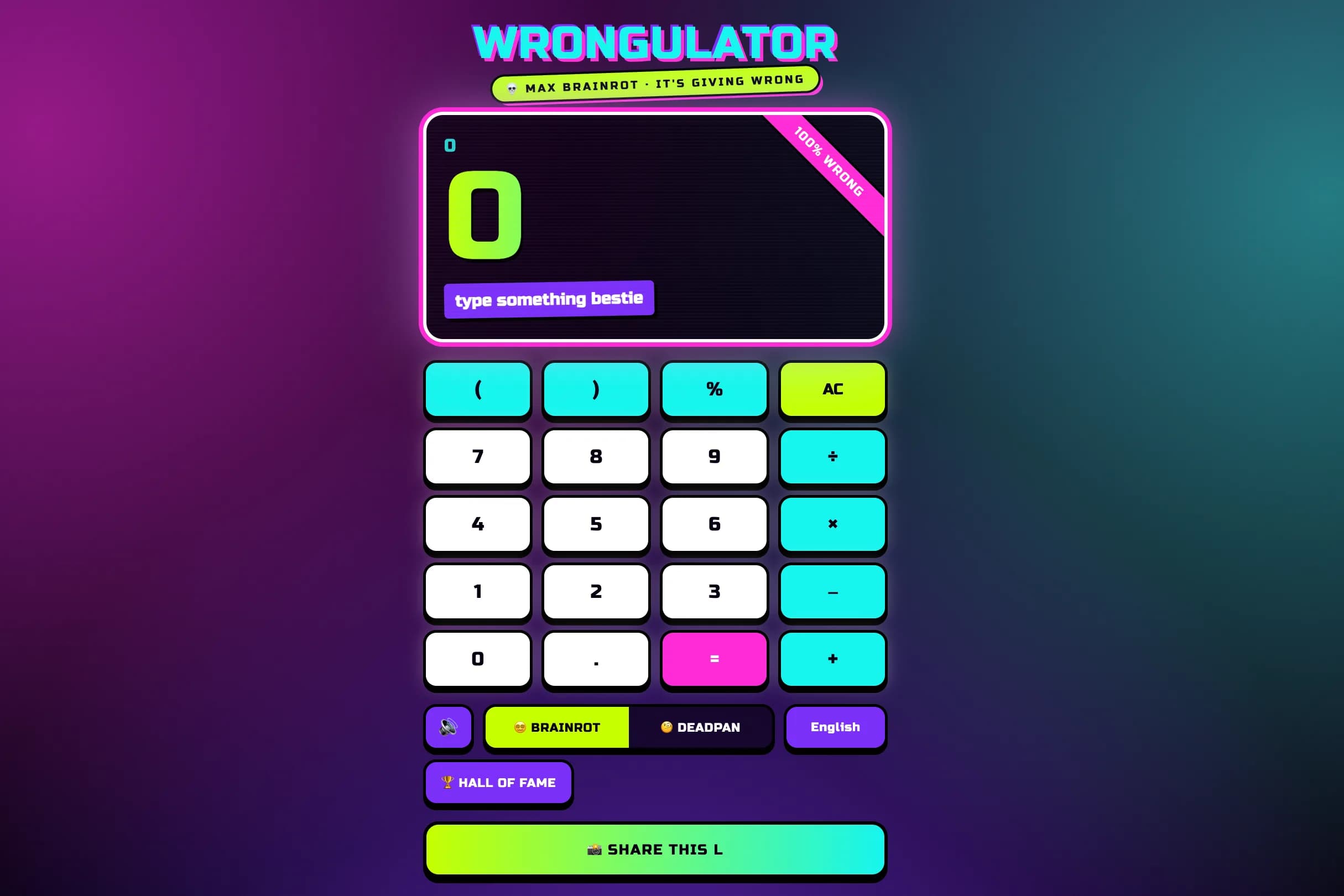
A joke calculator that returns a deterministically wrong answer with a straight-faced reason – built as a share machine.
A Manifest V3 Chrome extension that redirects the YouTube homepage to any URL you choose, so you skip the recommendations feed. Search, videos, subscriptions and history keep working. Open-source, zero tracking, two permissions.
Key Results
The YouTube homepage feed is engineered to be the single biggest time sink on the site – open youtube.com to grab one thing and the wall of recommendations has other plans. But the obvious fixes overreach. Blocking the whole domain breaks search, video pages, subscriptions and watch history along with the feed. A heavyweight ‘site blocker’ wants broad permissions, runs on every tab, and tracks usage to justify a subscription.
The goal was the opposite: remove only the home feed, leave the rest of YouTube fully working, and do it with the smallest possible footprint a user has to trust. That turns into three real constraints:
/) should redirect. /watch, /results, /feed/subscriptions, /@channel – every other path stays exactly as it is.It’s a tiny Chrome extension (Manifest V3) that redirects only the YouTube homepage to a destination you choose – a task list, a calendar, a blank tab. Everything else on YouTube keeps working exactly as before: search, video pages, subscriptions, watch history. There’s no build step, no dependencies, and no background process – just a content script and a small settings popup sharing one piece of state.
The distraction never gets a chance to load. The redirect fires before YouTube’s own code runs, so the feed doesn’t flash on screen and then vanish – you land on your chosen page directly. It’s also careful about scope: it acts on the exact homepage and nothing else, so no other part of the site is affected.
There’s almost nothing to trust here, by design. The extension asks for just two permissions, runs no tracking, keeps no accounts, and makes no network calls of its own. Your one setting – where the homepage redirects to – lives in Chrome’s own storage and syncs across your signed-in browsers without a server. And because it’s open-source and about 30 lines of code, you can read the whole thing before installing it.
| Metric | Value |
|---|---|
| Codebase | ~30 lines of vanilla JS across two scripts – no build, no deps |
| Manifest | V3, no background service worker |
| Permissions | 2 – storage + www.youtube.com host access |
| Injection | document_start, so the feed never paints |
| Scope | Exact / path only; every other YouTube page untouched |
| Storage | chrome.storage.sync – syncs across browsers, no server |
| Telemetry | None – no tracking, no accounts, no network calls |
| License | MIT, open-source |
A focus tool earns its place by being something you can trust at a glance and forget about. The discipline here is in what it doesn’t do: it removes one feed, touches nothing else, and asks for the least it can to get the job done.
For the technically curious, here is how the core pieces are built.
The whole ‘no flash’ requirement comes down to two manifest words: "run_at": "document_start". The script runs before YouTube’s own JavaScript, so the redirect happens while the page is still blank. The exact-path guard is what keeps it surgical – match / and only /, then hand control to location.replace() so the homepage doesn’t even land in history.
// content.js — runs at document_start, redirects only the exact homepage
chrome.storage.sync.get({ redirectUrl: "https://app.todoist.com/app/today" }, (data) => {
  if (location.hostname === "www.youtube.com" && location.pathname === "/") {
    location.replace(data.redirectUrl);
  }
});
location.replace() rather than location.href = is deliberate: it swaps the entry in place, so Back doesn’t bounce the user straight into the feed they were trying to skip.
The destination is the only state the extension keeps, and it lives in chrome.storage.sync – so it follows the user across their signed-in Chrome browsers without an account, a server, or a single network call from the extension. The popup is the entire settings surface: read the value in, write it back out.
// popup.js — load the saved URL, persist edits on Save
chrome.storage.sync.get({ redirectUrl: "https://app.todoist.com/app/today" }, (data) => {
  input.value = data.redirectUrl;
});

save.onclick = () => {
  chrome.storage.sync.set({ redirectUrl: input.value.trim() }, () => {
    save.textContent = "Saved ✓";
    setTimeout(() => (save.textContent = "Save"), 1500);
  });
};The strongest privacy claim is the one a user can verify themselves. The manifest is the whole story: two permissions, one host, one content script, one popup. There is no background worker watching tabs and nothing the extension could exfiltrate even if it wanted to.
// manifest.json — the entire permission surface
{
"manifest_version": 3,
"permissions": ["storage"],
"host_permissions": ["https://www.youtube.com/*"],
"content_scripts": [
{
"matches": ["https://www.youtube.com/*"],
"js": ["content.js"],
"run_at": "document_start"
}
]
} Available
Need something similar?
I build custom solutions – from APIs to full products. Let’s talk about your project.
A joke calculator that returns a deterministically wrong answer with a straight-faced reason – built as a share machine.
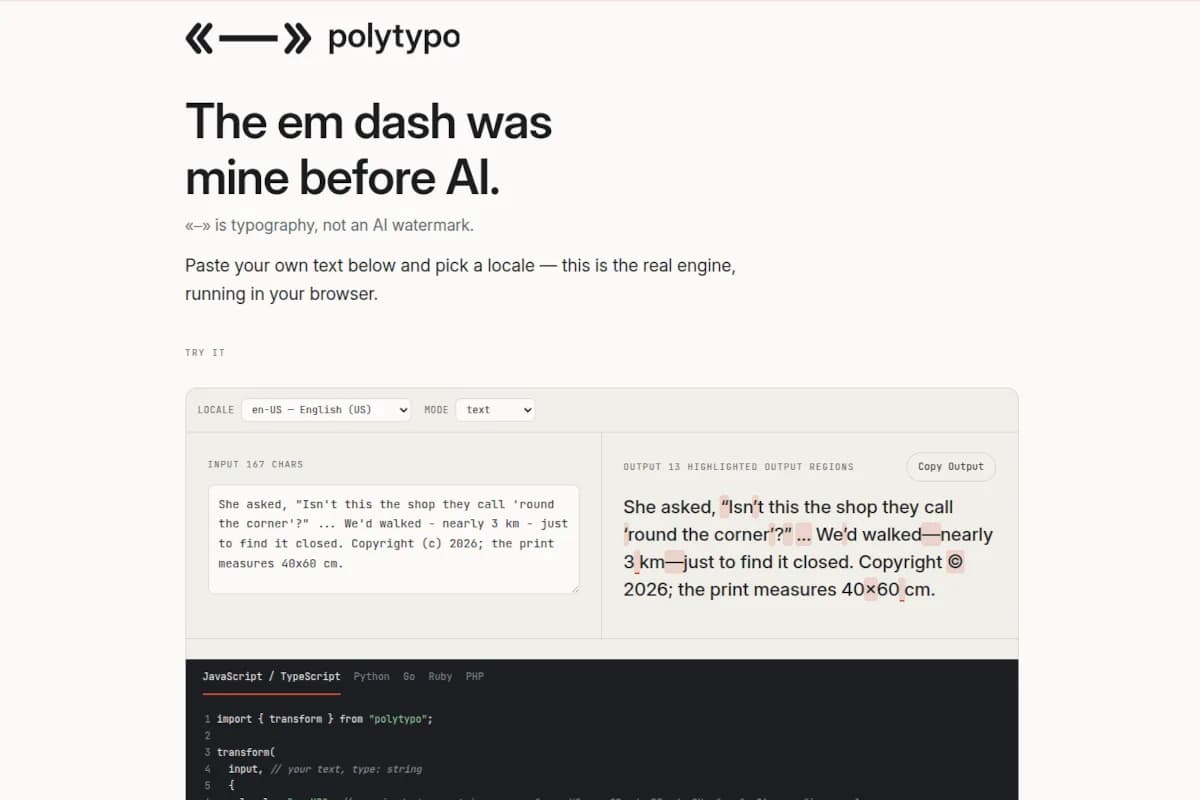
Open-source spec and engine for locale-correct typography: curly quotes, dashes, ellipses and no-break spaces in 20+ locales. Live in-browser playground.
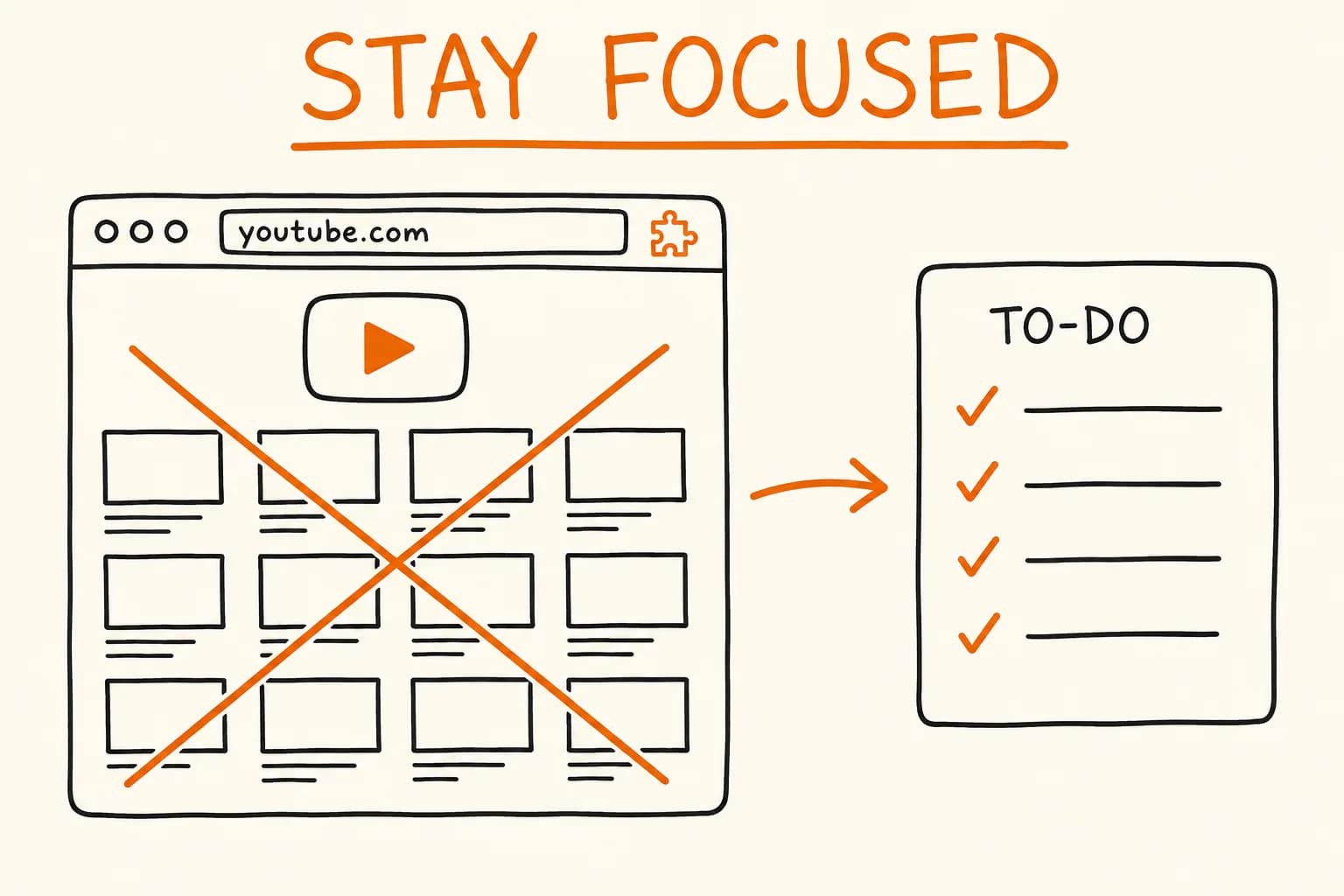
How I built a tiny Manifest V3 Chrome extension that redirects the YouTube homepage feed without breaking search, videos, or subscriptions.
Stack
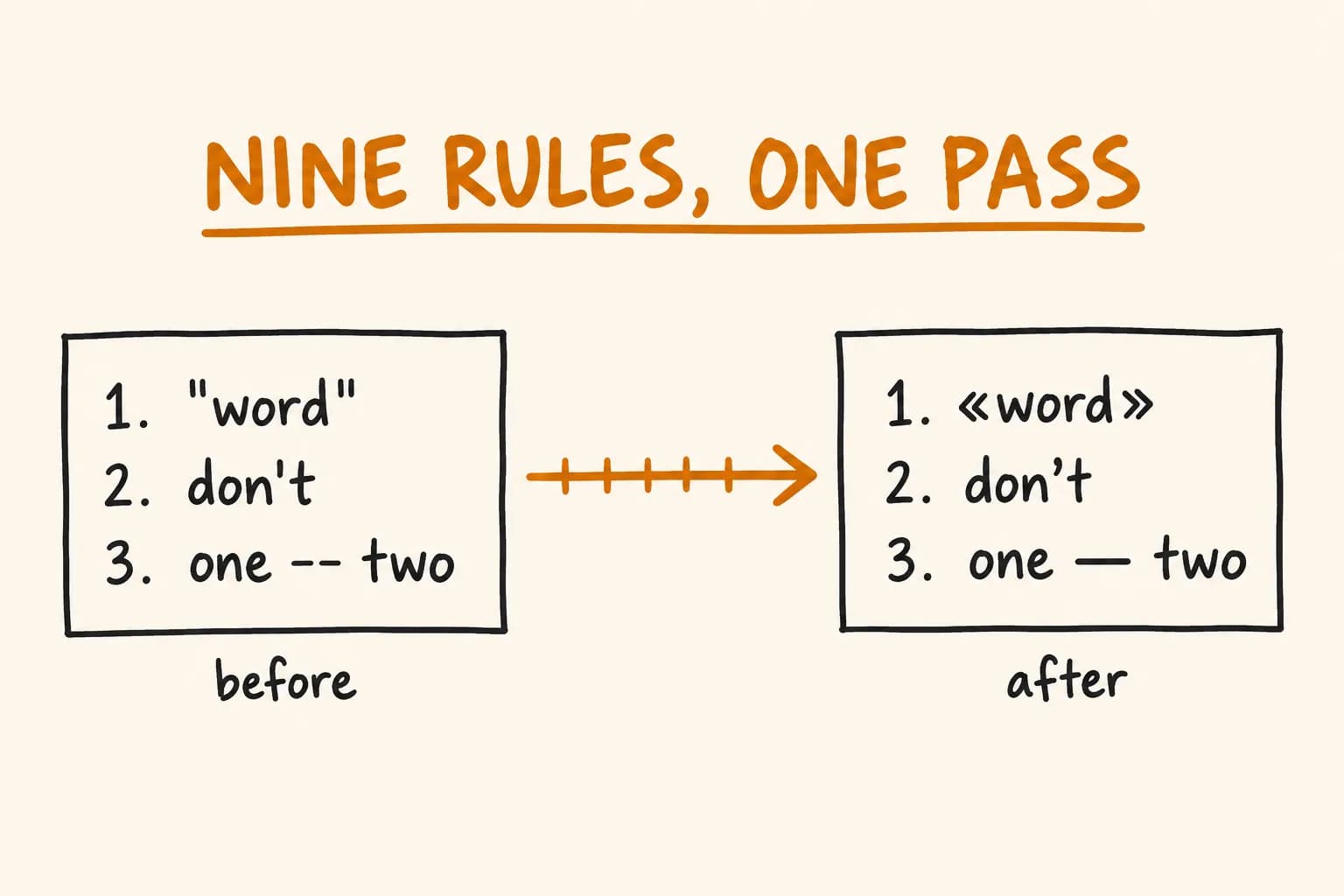
polytypo’s typography engine is a nine-rule pipeline that locates and rewrites text without ever building or reprinting an AST.
Stack
