When I start working with a new business client, I don’t open a laptop and start fixing things.
I spend the first week listening and looking. In my experience, the gap between ‘what the company thinks its IT looks like’ and ‘what it actually looks like’ is the most important thing to understand before anything else. That gap is where the real problems hide – and it’s almost always larger than the client expects.
Here is what I look at.
The Systems People Actually Use vs. the Official List
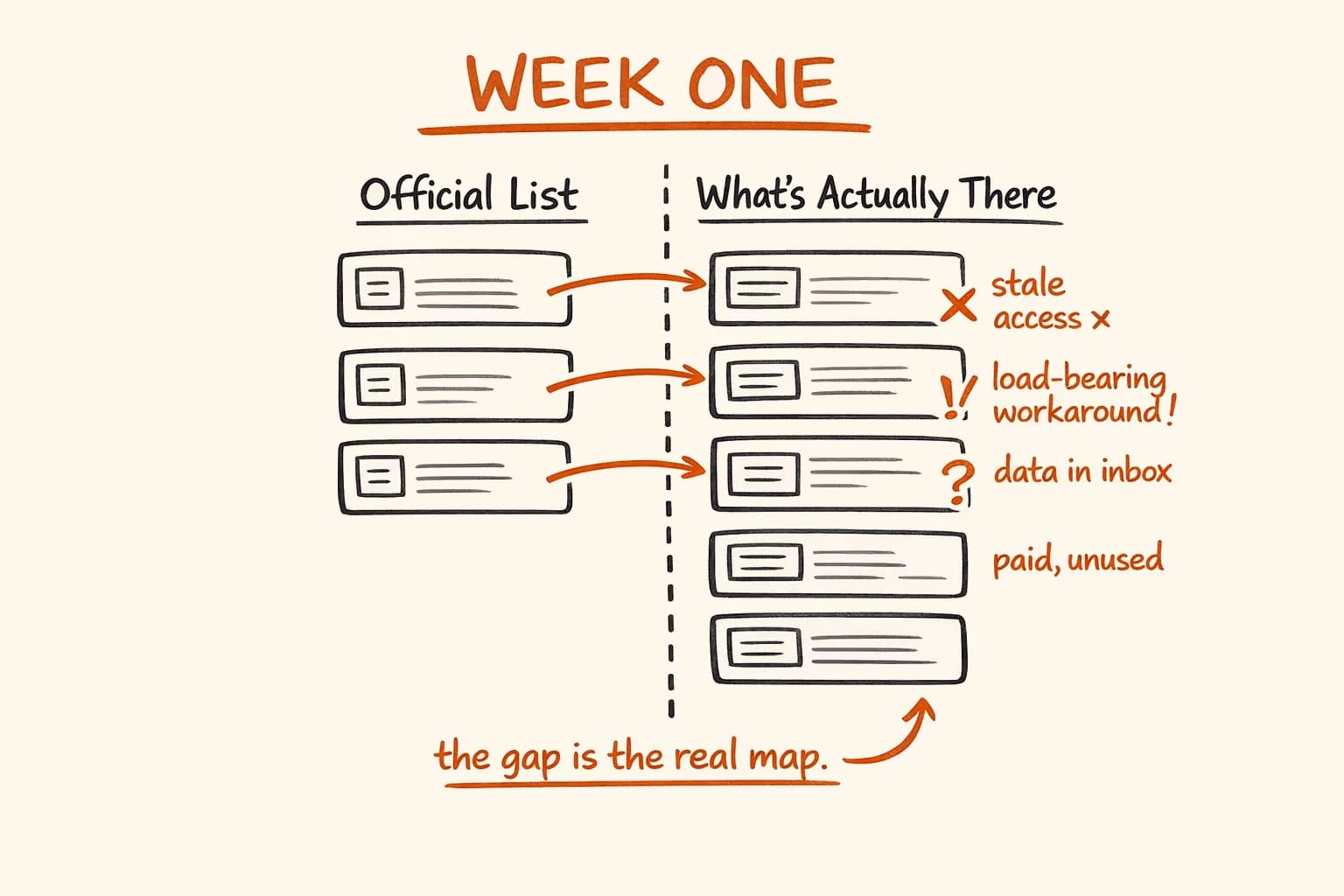
Every company I’ve worked with has a list of their IT systems somewhere. It might be a spreadsheet, a contract folder, a note in someone’s head. It is never accurate.
What I find instead: subscriptions to tools nobody has opened in fourteen months, still being charged. And on the other side, critical work happening in tools that were never designed for it – Excel files emailed back and forth as a de facto database, WhatsApp threads functioning as a ticketing system, someone’s personal Google Drive hosting documents the whole company depends on.
The gap between the official list and reality is not a management failure. It’s how companies work. People solve problems with whatever is available. But that gap needs to be mapped before you can make any sensible decisions about what to change.
Load-Bearing Workarounds
A workaround is a process someone invented to compensate for something the official system can’t do.
Most workarounds are harmless. But some of them have become load-bearing – they have been running so long, and so many things depend on them, that removing them would cause immediate breakage. I look for these first, because they tell me where the real system boundaries are.
The dangerous ones are the workarounds nobody documents because everyone considers them obvious. ‘Oh, we always export that report on Fridays and paste it into the accounting system manually before the weekend’ – that is a critical dependency masquerading as a routine task. If the one person who does it is sick on Friday, the accounting system is wrong on Monday.
I find at least one of these in almost every company I audit. Usually more.
Passwords and Access
Who has access to what? Who left the company two years ago but still has an active login to your CRM? Which shared passwords live in a WhatsApp thread from 2021 that’s been forwarded to seventeen people?
These are not small things.
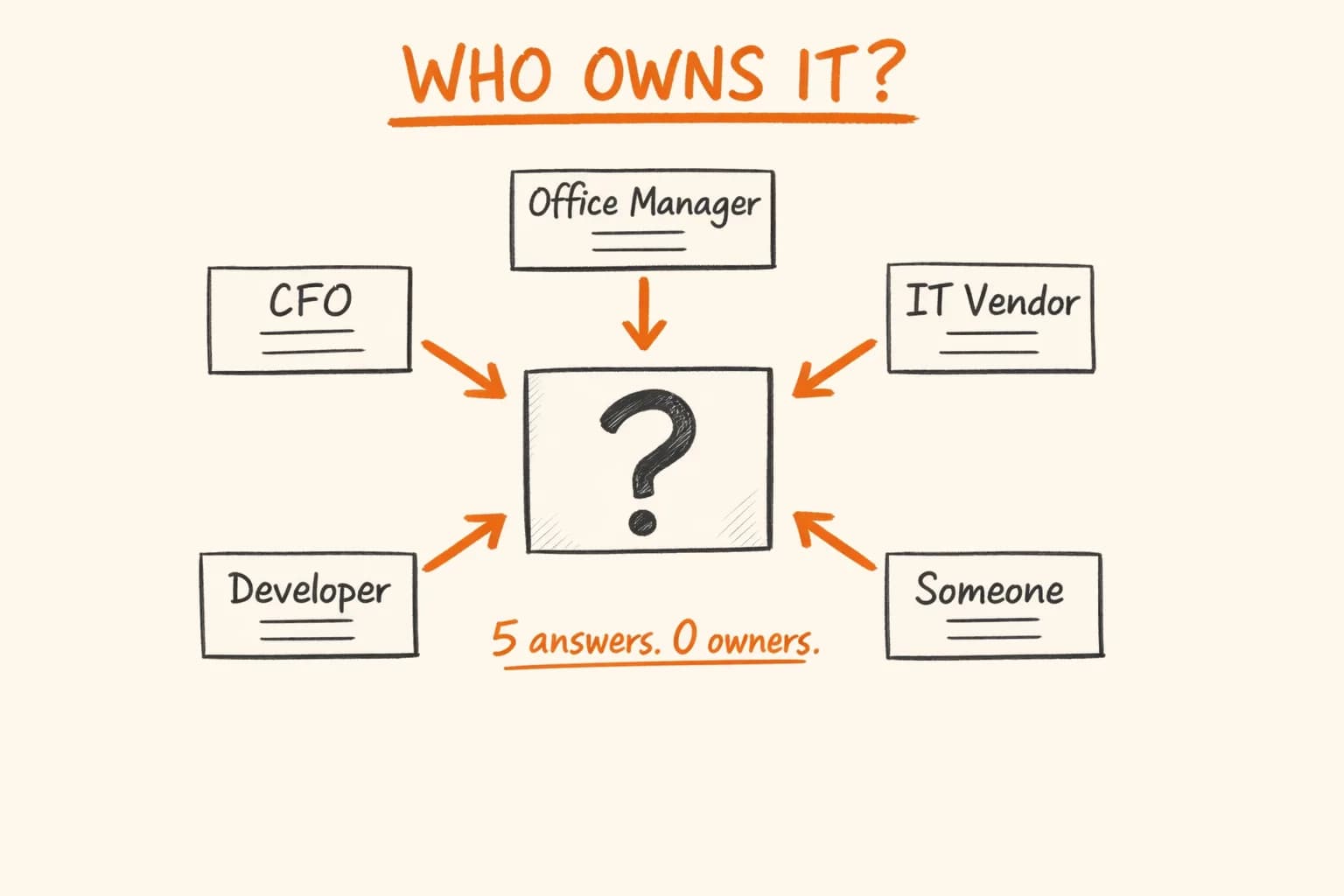
In roughly 80% of companies I’ve audited, there are active credentials belonging to people who no longer work there. Not because anyone was negligent – but because revoking access is nobody’s job until something goes wrong. Setting up access is urgent; cleaning it up never is.
I document every access point I can find in the first week. It is not exciting work. It is consistently one of the most valuable things I produce. This access audit is one part of a broader technical due diligence engagement – the kind of structured look that surfaces risks before they become emergencies.
Data That Lives Nowhere Formal
Critical business information – customer contacts built up over years, pricing agreements, the specific way to handle a particular category of order – often lives in one person’s email inbox. Or in a shared folder with no backup. Or in a spreadsheet on a laptop that has never been connected to any company system.
When I find this, I mark it immediately. Not to criticize anyone, but because it is fragile in a specific way: if the person who owns that inbox leaves, or the laptop breaks, or the shared folder gets accidentally deleted, the information is gone. There is no recovery procedure because nobody thought of it as data that needed one.
What Surprises Me Every Time
Almost always, it’s the manual work.
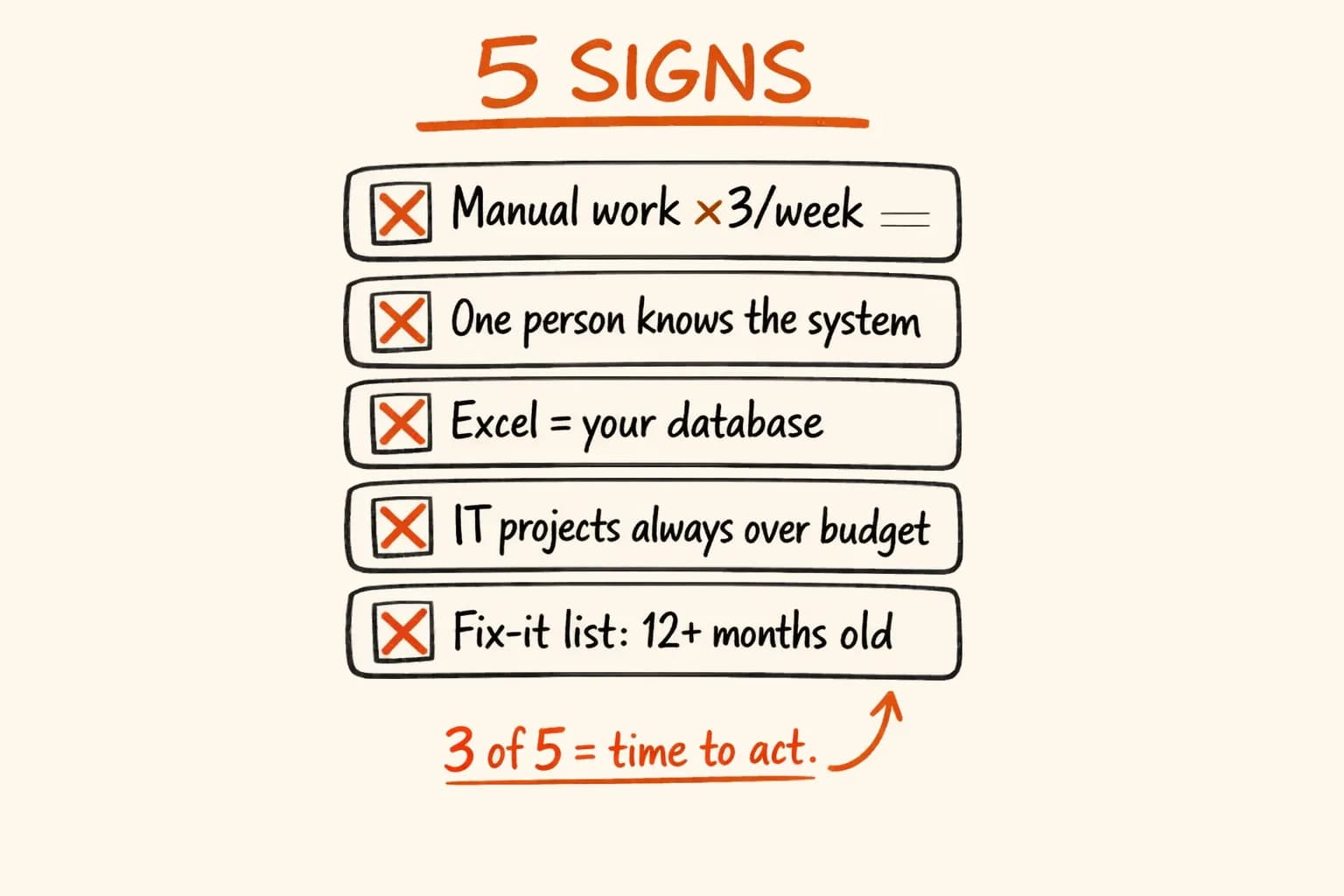
Not the obvious manual tasks that everyone knows about. The normalized ones – the ones nobody mentions because they have been doing them for three years and stopped thinking of them as a problem. Hours per week, per person, compensating for systems that don’t talk to each other. Data copied from one screen to another. Reports assembled by hand because the two systems involved have no integration. Approvals tracked in an email thread because no one has set up a workflow.
When I add it up across a team, the number is usually surprising – sometimes to the point of discomfort. Not because the work is unusual, but because it has become invisible.
What the First Week Produces
Not a solution. A map.
A clear picture of what exists, what’s fragile, what’s redundant, and where the highest-leverage improvements are. A list of risks that need addressing urgently, separated from improvements that can wait. An honest answer to the question: what is actually here, and what would it cost to fix it?
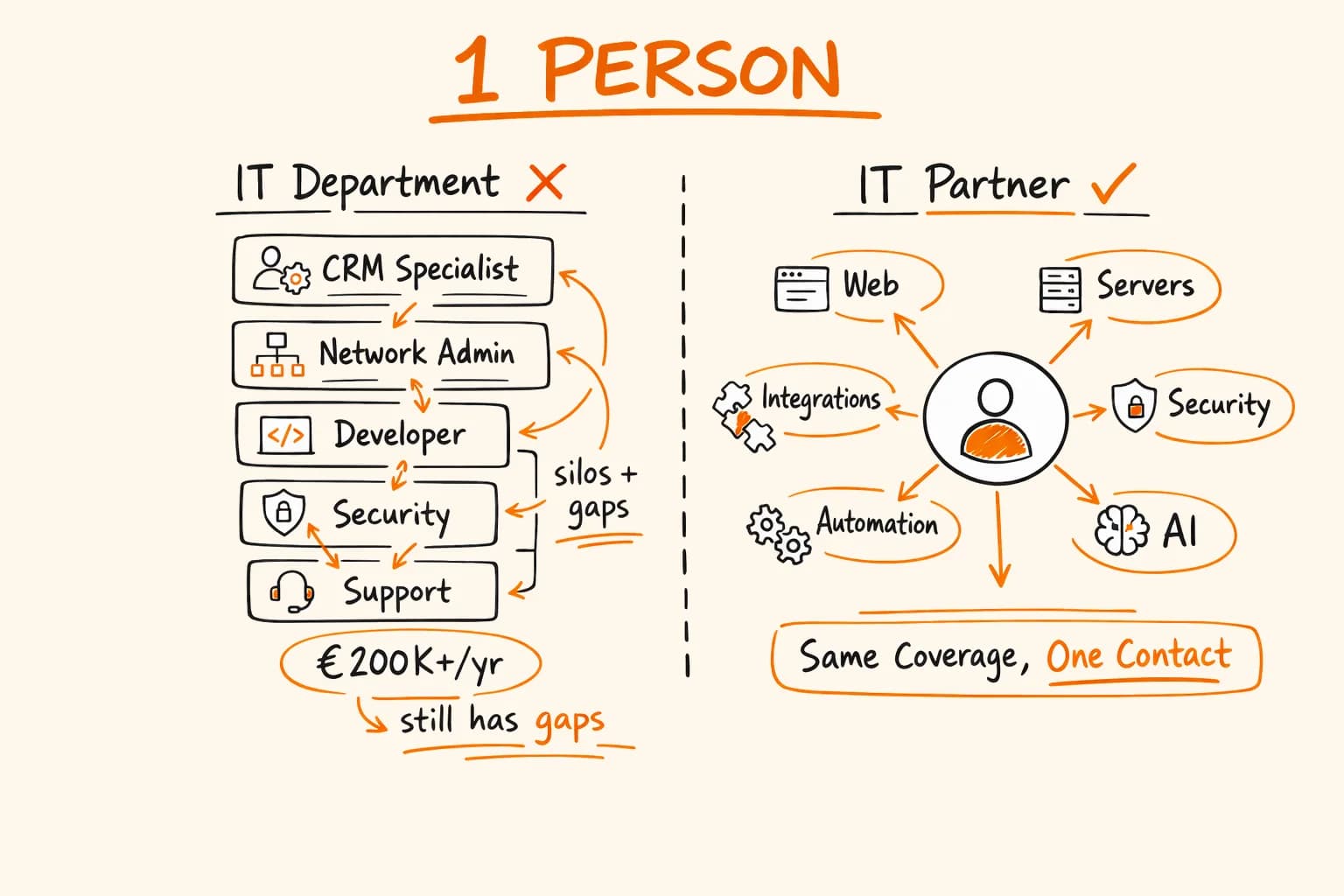
That map is worth having before anyone spends a euro on new software or a month building something new. In my experience, it changes the priorities significantly in almost every case. The five patterns that typically show up – and what they cost when left unaddressed – are mapped out in detail in what happens when nobody owns your IT. And if you’re wondering what comes after the audit, one IT partner instead of a department describes what ongoing ownership actually looks like for a growing business.
If you’ve never had someone look at your IT this way, it’s worth doing once. The findings are usually actionable within weeks, not months. Get in touch – the first conversation is always free.