I needed an animated illustration for a product promo block. The concept was straightforward: a PDF flies out of a stack on the left, disappears into a cloud in the center, and a coloured result document emerges on the right and drops into a folder. The folder bounces. The whole thing loops forever.
Sounds like an afternoon of work. The first serious attempt ended with the folder icons snapping to the top-left corner of the SVG the moment the animation started. No errors in the console. No warnings in DevTools. The SVG attributes looked correct. The CSS looked correct. It took an hour to find the cause – and once I understood it, I realized it’s one of those things that almost nobody mentions because everyone hits it once, fixes it by accident, and moves on.
I didn’t want to pull in GSAP for this. A 30 KB animation library for a looping illustration felt wrong. Framer Motion animates React DOM nodes, not SVG paths natively – overkill and the wrong abstraction. SMIL (<animate>, <animateTransform>) has spotty browser support and has been deprecated in Chrome. Canvas would require a JS runtime on the animation thread and lose SVG’s free scaling and accessibility. So pure CSS @keyframes it was. Here’s what I learned building it.
This is the finished animation. To see it live in the product, run any PDF through htpbe.tech – it appears in the API promo block on the results page after verification. The full product context is in the HTPBE? PDF analysis project card.
The CSS Transform Trap
This is the one you will hit. If an SVG element has both a transform attribute and a CSS @keyframes animation that touches transform, the browser uses only the CSS value and silently ignores the attribute. The element snaps to (0,0) at animation start.
// ❌ Broken: CSS keyframes silently override the SVG transform attribute
// No errors, no warnings — element just jumps to (0,0) on play
<g transform="translate(690, 5)" className="apr-green-folder">
  <rect x="0" y="0" width="56" height="68" rx="4" fill="#22C55E" />
</g>
The spec says CSS transform and presentation attributes are separate cascade layers, and CSS wins. In theory, transform-origin and transform-box complicate this further. In practice, the symptom is always the same: your carefully positioned element snaps to the origin.
The fix is to separate position from animation into two nested <g> elements:
// ✅ Fixed: outer <g> carries position via SVG attribute, no CSS class
//           inner <g> carries CSS animation class, no SVG transform attribute
<g transform="translate(690, 5)">
  <g className="apr-green-folder">
    <rect x="0" y="0" width="56" height="68" rx="4" fill="#22C55E" />
    <rect x="50" y="46" width="14" height="22" rx="3" fill="#15803D" />
  </g>
</g>

// CSS:
// .apr-green-folder {
//   animation: apr-green-bounce 12s linear infinite;
//   transform-box: fill-box;
//   transform-origin: center;
// }
For flying documents, I went the other direction: no transform attribute at all. The CSS keyframe carries the full translate(x, y) from the start position. That way there is nothing to conflict with.
One Duration to Rule Them All
The animation has six independent tracks: the PDF leaving the stack, the green and red documents flying from cloud to folder, two folder bounce animations, and a cloud pulse. Coordinating six animation-delay values is a maintenance nightmare – change one timing and you have to recalculate everything.
The simpler approach: give every animation the same duration (12s) and express all timing as percentages. Percentages become absolute time. The full cycle has two passes – pass 1 at 0–50% (6 seconds) and pass 2 mirroring it at 50–100%. No delays, no offsets, no arithmetic to maintain.
/* PDF leaves stack at 4%, arrives at cloud at 24%, snaps back invisibly, reappears at 27% */
/* Pass 2 mirrors at +50%: leaves at 54%, arrives at 74%, reappears at 77% */
@keyframes apr-pdf {
  0% {
    transform: translate(8px, 66px);
    opacity: 1;
  }
  4% {
    transform: translate(8px, 66px);
    opacity: 1;
  }
  24% {
    transform: translate(357px, 66px);
    opacity: 1;
  }
  25% {
    transform: translate(357px, 66px);
    opacity: 0;
  } /* behind cloud */
  26% {
    transform: translate(8px, 66px);
    opacity: 0;
  } /* snap back */
  27% {
    transform: translate(8px, 66px);
    opacity: 1;
  } /* reappear */
  50% {
    transform: translate(8px, 66px);
    opacity: 1;
  }
  54% {
    transform: translate(8px, 66px);
    opacity: 1;
  }
  74% {
    transform: translate(357px, 66px);
    opacity: 1;
  }
  75% {
    transform: translate(357px, 66px);
    opacity: 0;
  }
  76% {
    transform: translate(8px, 66px);
    opacity: 0;
  }
  77% {
    transform: translate(8px, 66px);
    opacity: 1;
  }
  100% {
    transform: translate(8px, 66px);
    opacity: 1;
  }
}

.apr-pdf {
  animation: apr-pdf 12s ease-in-out infinite;
}
The 25%–27% cluster is the invisible reset: the PDF reaches the cloud and goes transparent, snaps back to the starting position instantly while invisible, then reappears on the stack. Users see a document fly into a cloud and a different document emerge on the other side. The snap happens behind the cloud.
ease-in-out Lies About When Things Arrive
I spent more time than I expected on the folder bounce timing. The document arrives at the folder at 42% in its keyframe. The folder bounce starts at 42%. They should land together. They don’t.
ease-in-out means the animation decelerates as it approaches the keyframe endpoint. Visually, the document ‘feels’ like it arrives around 39% even though the coordinate reaches the target at 42%. The folder pulse triggered at 42% looked like it was reacting after the document hit.
The fix is to move the bounce keyframes 3% earlier and use linear timing:
@keyframes apr-green-bounce {
  /* Start bounce at 39% (3% before document's 42% keyframe) to compensate ease-in-out */
  0%,
  39%,
  47%,
  100% {
    transform: scale(1);
  }
  41% {
    transform: scale(1.12);
  }
  45% {
    transform: scale(0.97);
  }
}

.apr-green-folder {
  animation: apr-green-bounce 12s linear infinite; /* linear, not ease-in-out */
  transform-box: fill-box;
  transform-origin: center;
}
transform-box: fill-box is essential here. Without it, transform-origin: center is relative to the SVG viewport, not the element’s own bounding box. The folder would scale around the wrong point.
DOM Order Is Z-Index in SVG
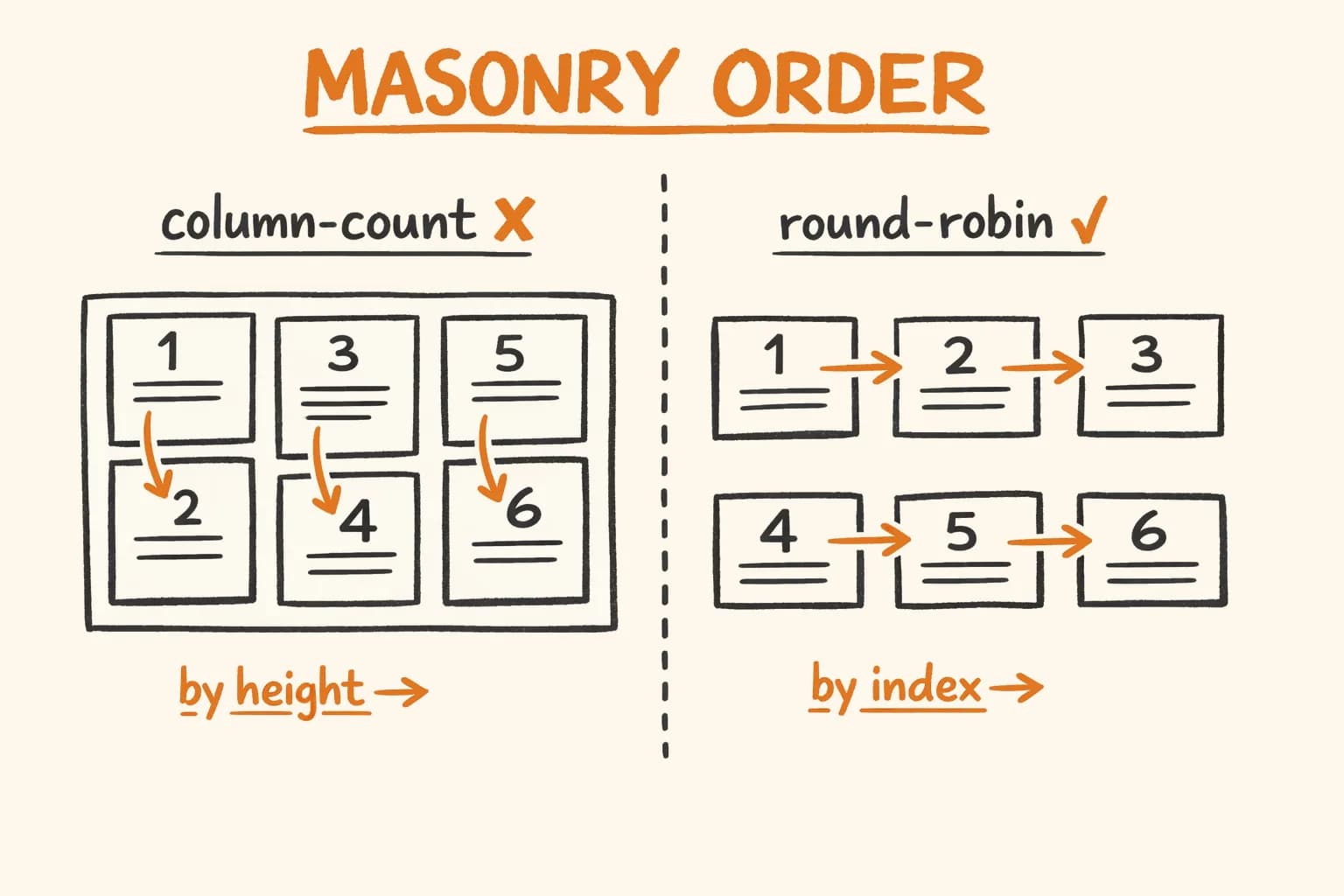
For more on how CSS and React intersect in production UIs, see React Masonry Layout: Why the Popular Reorder Trick Fails – another place where browser rendering behaves differently from what tutorials promise.
SVG has no z-index. Elements are painted in DOM order – later elements appear on top. If you need a document to fly behind the cloud, it must appear before the cloud in the markup. This is not a CSS trick. It is the SVG rendering model.
{/* Elements rendered in this order: later = on top */}
<g className="apr-green-fly"> ... </g>  {/* ← behind cloud */}
<g className="apr-red-fly">   ... </g>  {/* ← behind cloud */}
<g className="apr-circle">    ... </g>  {/* cloud: on top of documents above */}
{/* Folders come after cloud, so they render on top of everything */}
<g transform="translate(690, 5)">
  <g className="apr-green-folder"> ... </g>
</g>
When the green document flies right, it passes behind the cloud naturally – because it was drawn before the cloud in the DOM. No clip-path, no z-index, no workaround.
The Infinite Stack Illusion
The stack appears to never shrink. Three static PDFs are always present and never animated. The flying document renders on top of them. When it departs, the stack looks identical because the third static document occupies the same position as the flying one at rest.
{/* Three static docs — never animated, always visible */}
<rect x="14" y="72" width="56" height="68" rx="3"
      fill="white" stroke="#E2E8F0" strokeWidth="1.5" />  {/* back */}
<rect x="11" y="69" width="56" height="68" rx="3"
      fill="white" stroke="#E2E8F0" strokeWidth="1.5" />  {/* middle */}
<rect x="8"  y="66" width="56" height="68" rx="3"
      fill="white" stroke="#E2E8F0" strokeWidth="1.5" />  {/* front ← same (x,y) as flying PDF */}

{/* Flying PDF — covers the front static doc while at rest on the stack */}
<g className="apr-pdf">
  <rect x="0" y="0" width="56" height="68" rx="3"
        fill="white" stroke="#E2E8F0" strokeWidth="1.5" />
  ...
</g>
The flying PDF’s keyframe starts at translate(8px, 66px) – exactly the front static doc’s position. At rest they are indistinguishable. When the animation plays, the flying doc lifts off and the static one underneath becomes visible. The stack appears to always have the same number of documents.
Scaling Font Awesome Paths Without Illustrator
Icons inside folders (checkmark and cross) come from Font Awesome SVG paths embedded directly. No icon library, no extra request. Scaling an FA path to a specific size and position requires one calculation:
transform="translate(target_center_x target_center_y) scale(s) translate(-path_center_x -path_center_y)"
Where s = target_size / source_bbox_width.
// FA checkmark: viewBox 640×640, bbox (92,123)–(548,544), center ≈ (320.6, 334.2)
// Target: centered at (28, 30) in a 56×68 folder, roughly 25px wide
// scale = 25 / (548 - 92) = 25 / 456 ≈ 0.055 → rounded to 0.060 for visual weight

<path
  transform="translate(28 30) scale(0.060) translate(-320.6 -334.2)"
  d="M530.8 134.1C545.1 144.5 548.3 164.5 537.9 178.8
     L281.9 530.8C276.4 538.4 267.9 543.1 258.5 543.9
     C249.1 544.7 240 541.2 233.4 534.6
     L105.4 406.6C92.9 394.1 92.9 373.8 105.4 361.3
     C117.9 348.8 138.2 348.8 150.7 361.3
     L252.2 462.8L486.2 141.1
     C496.6 126.8 516.6 123.6 530.9 134z"
  fill="white"
/>
The path bounding box numbers come from opening the FA SVG in a browser and running getBBox() on the path element in the console.
Takeaways
-
Never put a CSS animation and an SVG
transformattribute on the same element. CSS wins silently. Separate them into two nested<g>elements – outer for position, inner for animation. -
One duration, no delays. If all tracks share the same
animation-duration, percentages become absolute time. Changing one track’s timing doesn’t cascade into recalculatinganimation-delayeverywhere else. -
ease-in-outshifts the visual arrival point. For animations that trigger a reaction (bounce, pulse, scale), start the reaction 2–4% before the keyframe where the trigger arrives. Test by feel, not by math. -
DOM order is z-index in SVG. If element A must appear behind element B, put A earlier in the markup. This is the spec, not a quirk.
-
Embed FA paths with
translate(target) scale(s) translate(-source_center). No Illustrator, no icon library, no extra HTTP request. Calculate the scale fromgetBBox()in the browser console.
If you are building an MVP that includes marketing pages, product demos, or onboarding flows, the same techniques apply – pure CSS avoids runtime JS, scales freely, and keeps bundle size in check. For more CSS-from-first-principles work, see the Dynamic OG Images post where I ran into a similar ‘documented approach breaks in production’ problem.